 Billing Bazaar
 Vyapar guides
Step-by-step tutorials with real screenshots, from your first GST invoice to GST reports, e-way bills and backups. Every guide is tested in the app.
Getting started
-
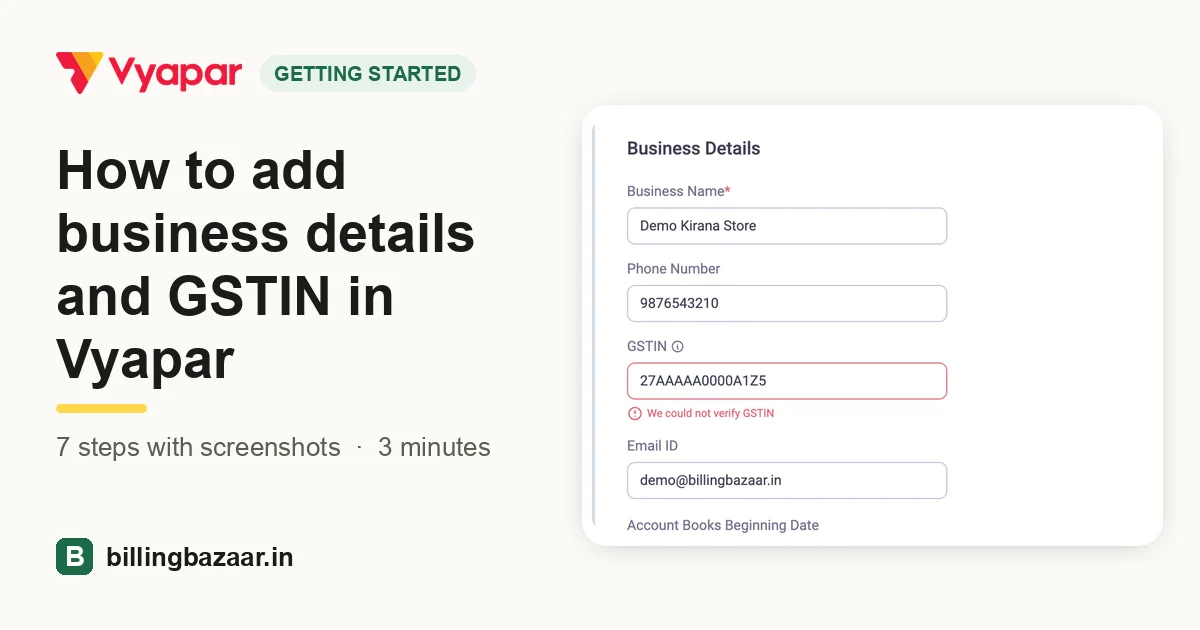 How to add business details and GSTIN in Vyapar7 steps · 3 minutes
-
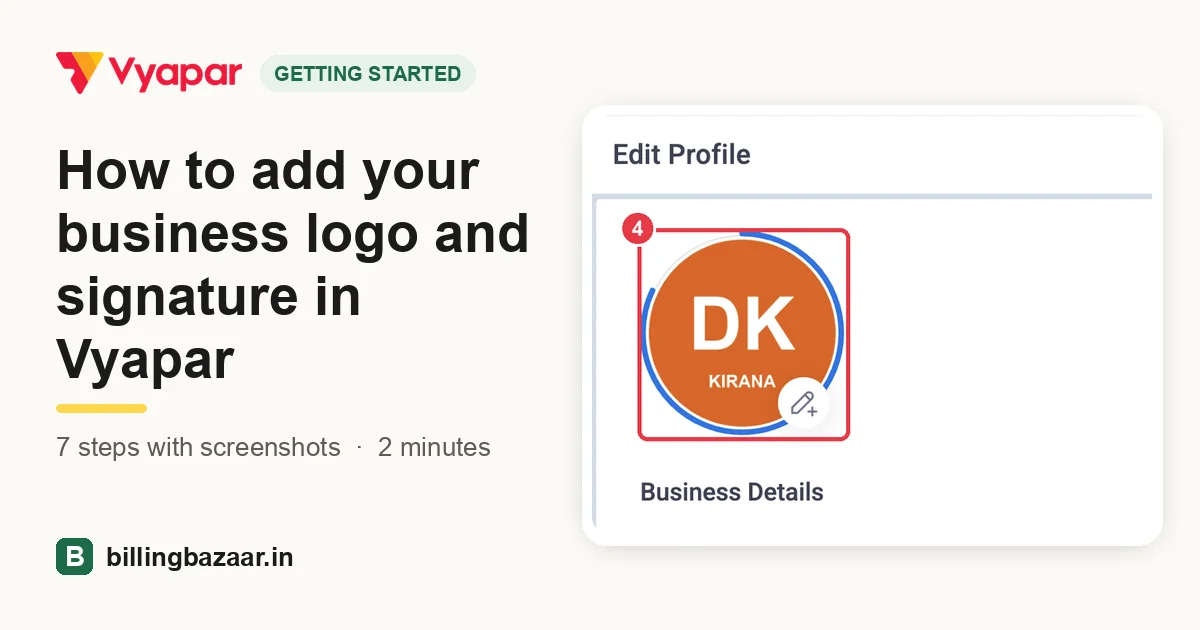 How to add your business logo and signature in Vyapar7 steps · 2 minutes
-
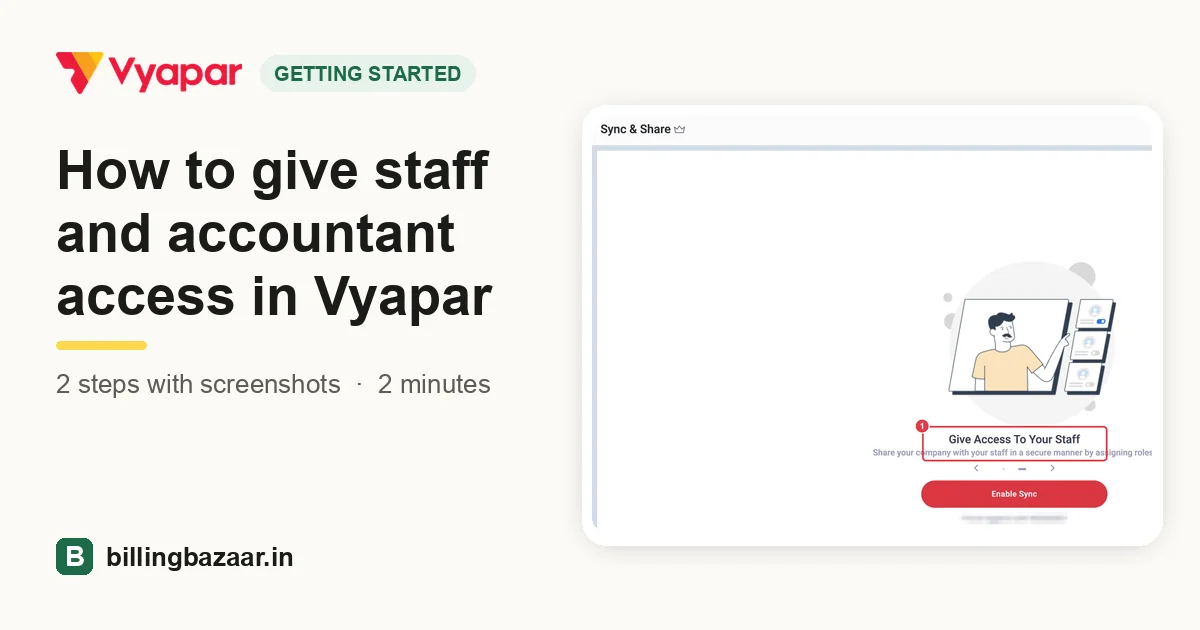 How to give staff and accountant access in Vyapar2 steps · 2 minutes
-
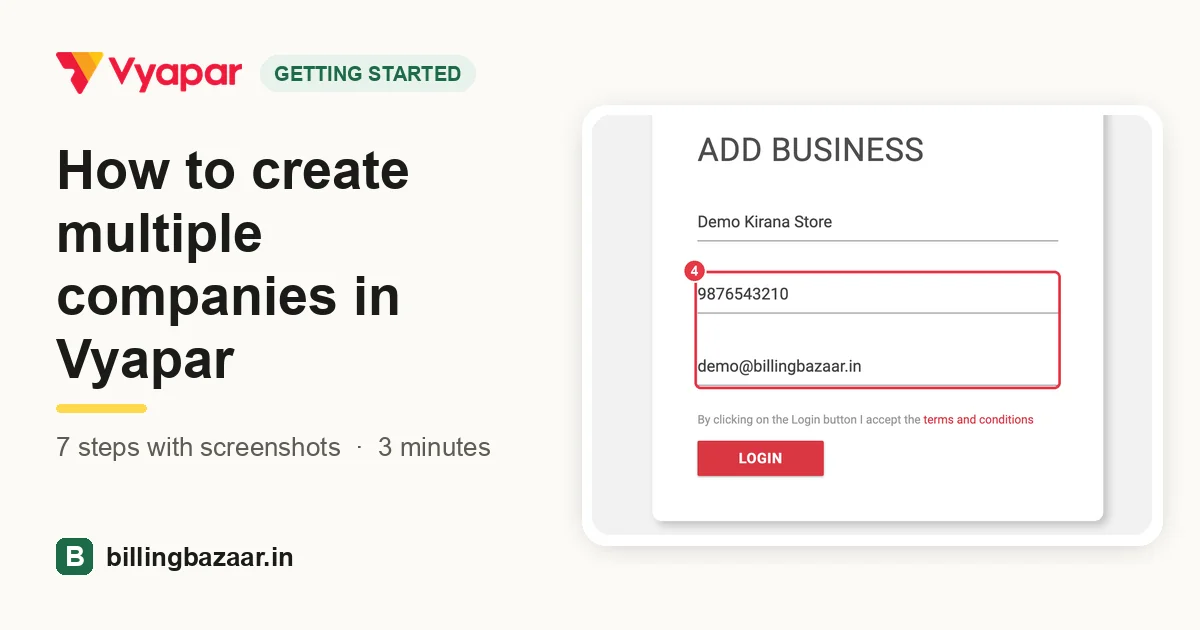 How to create multiple companies in Vyapar7 steps · 3 minutes
-
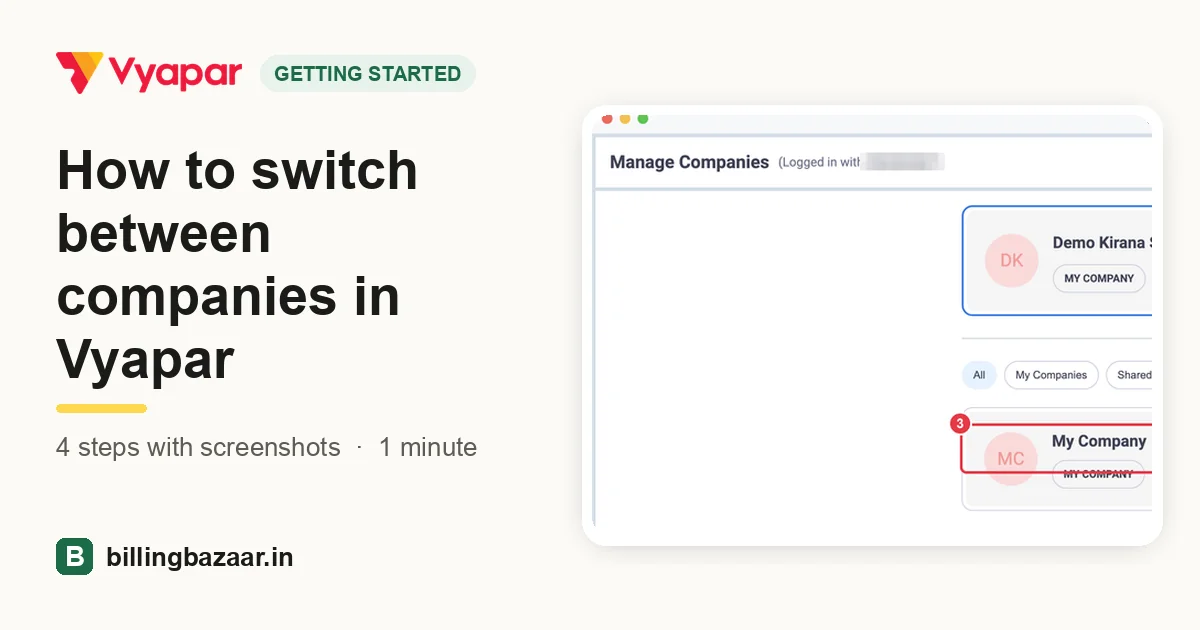 How to switch between companies in Vyapar4 steps · 1 minute
Items and stock
-
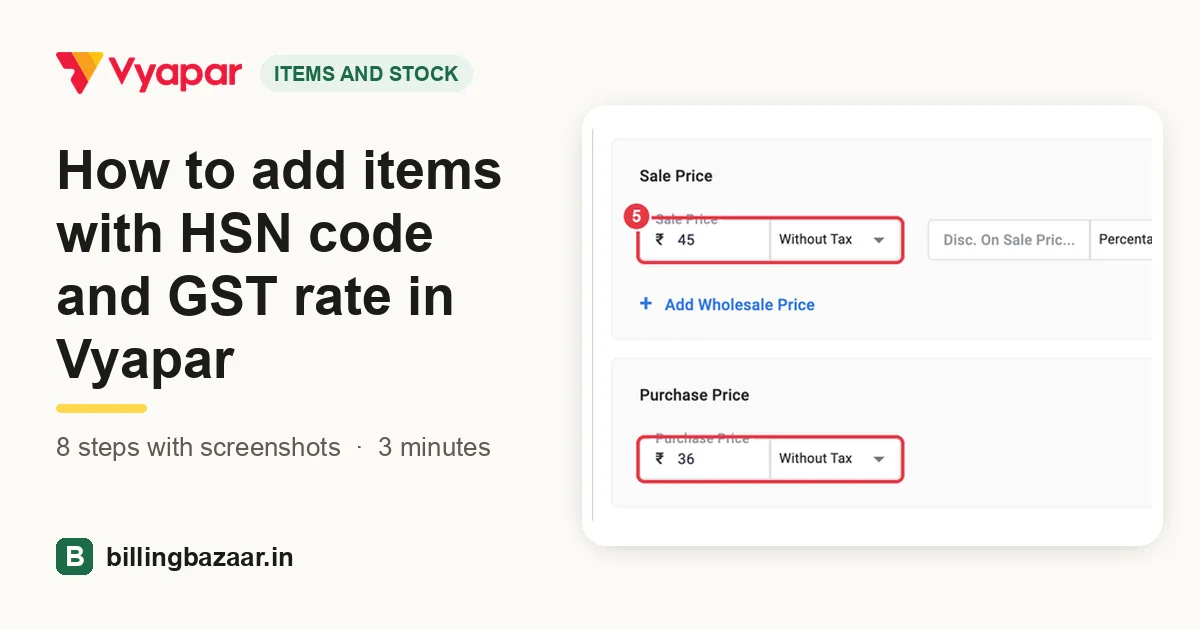 How to add items with HSN code and GST rate in Vyapar8 steps · 3 minutes
-
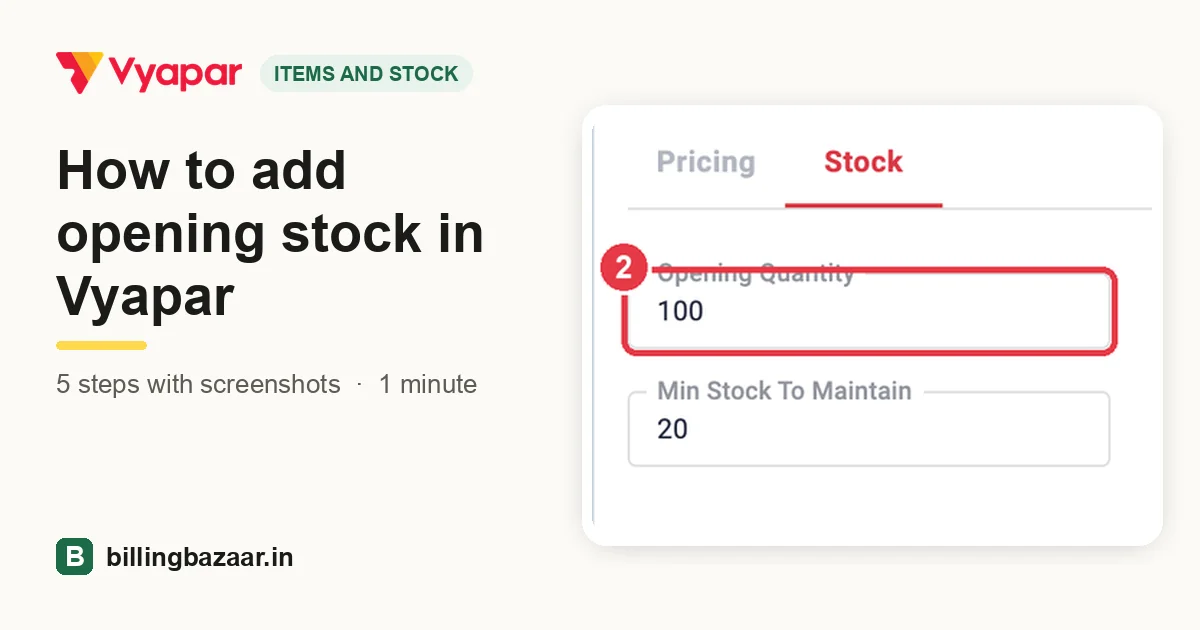 How to add opening stock in Vyapar5 steps · 1 minute
-
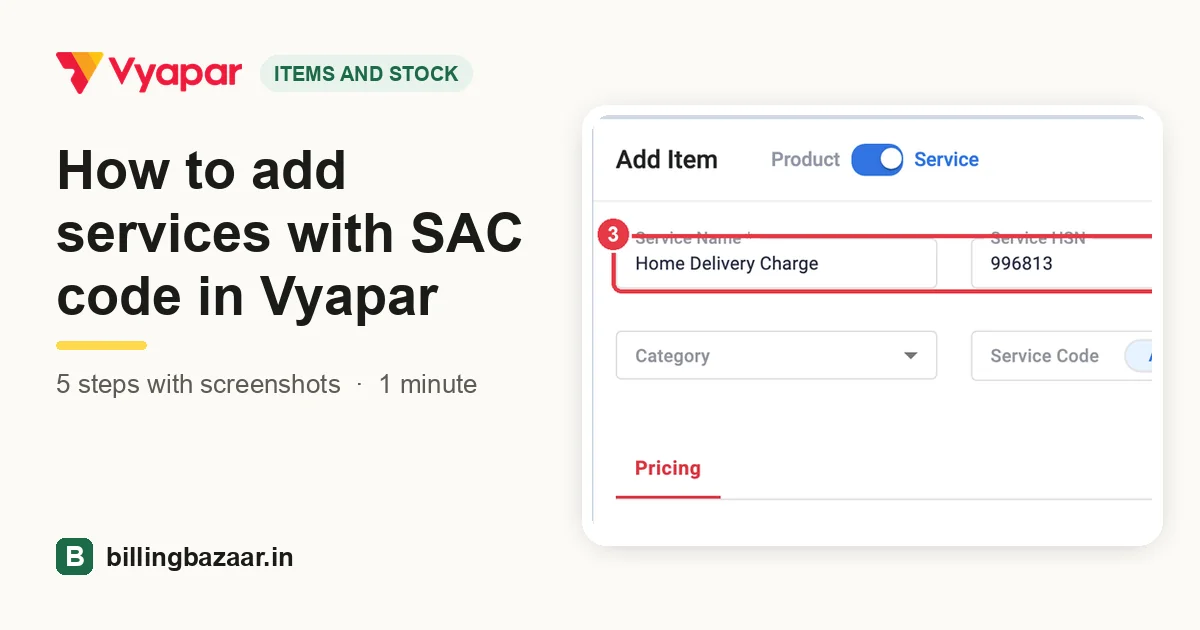 How to add services with SAC code in Vyapar5 steps · 1 minute
-
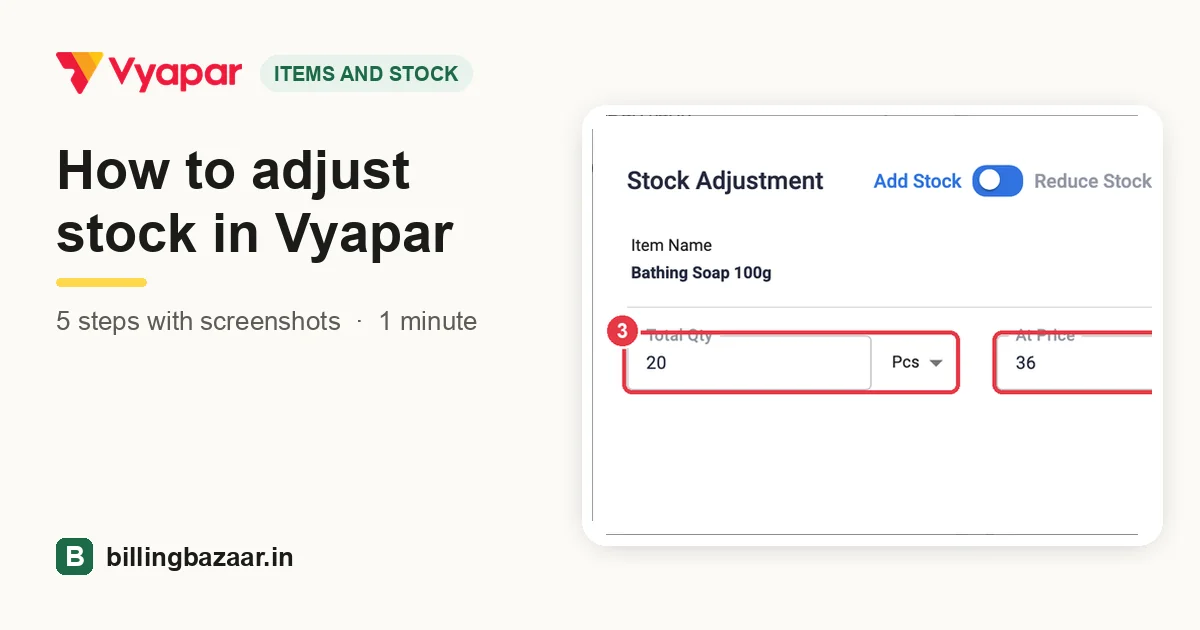 How to adjust stock in Vyapar5 steps · 1 minute
-
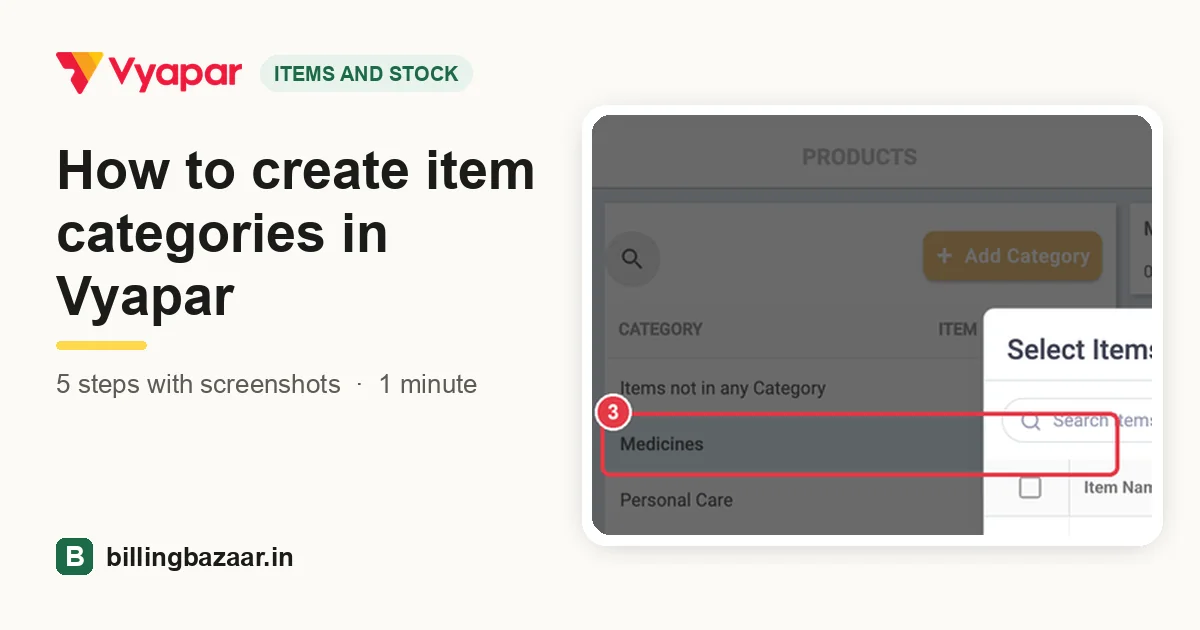 How to create item categories in Vyapar5 steps · 1 minute
-
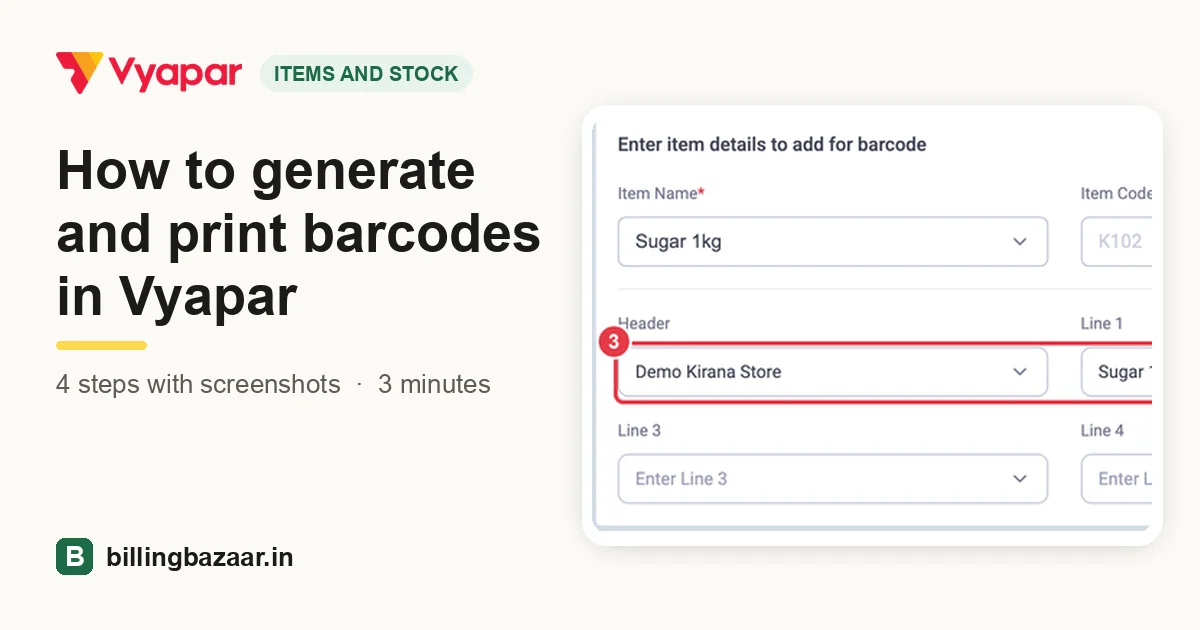 How to generate and print barcodes in Vyapar4 steps · 3 minutes
-
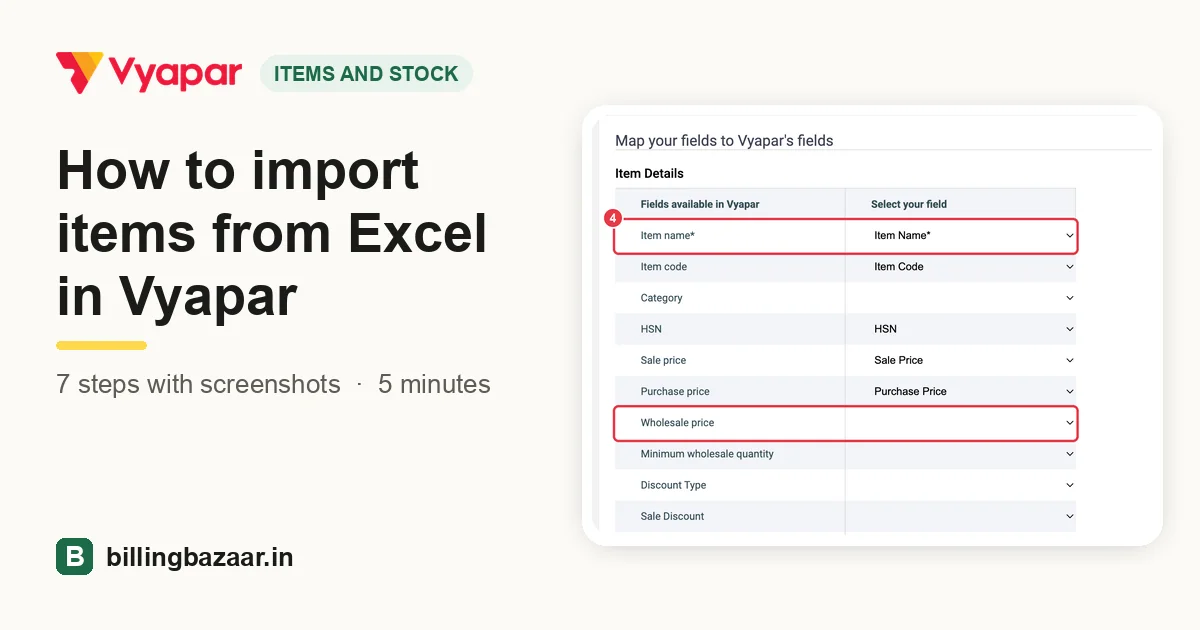 How to import items from Excel in Vyapar7 steps · 5 minutes
-
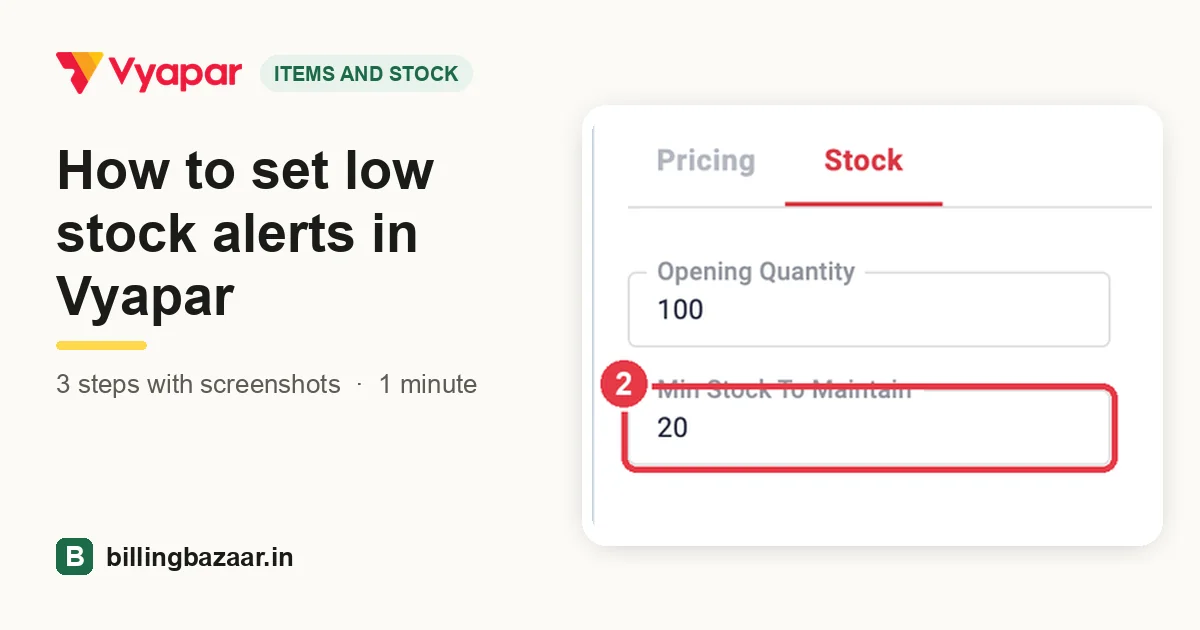 How to set low stock alerts in Vyapar3 steps · 1 minute
-
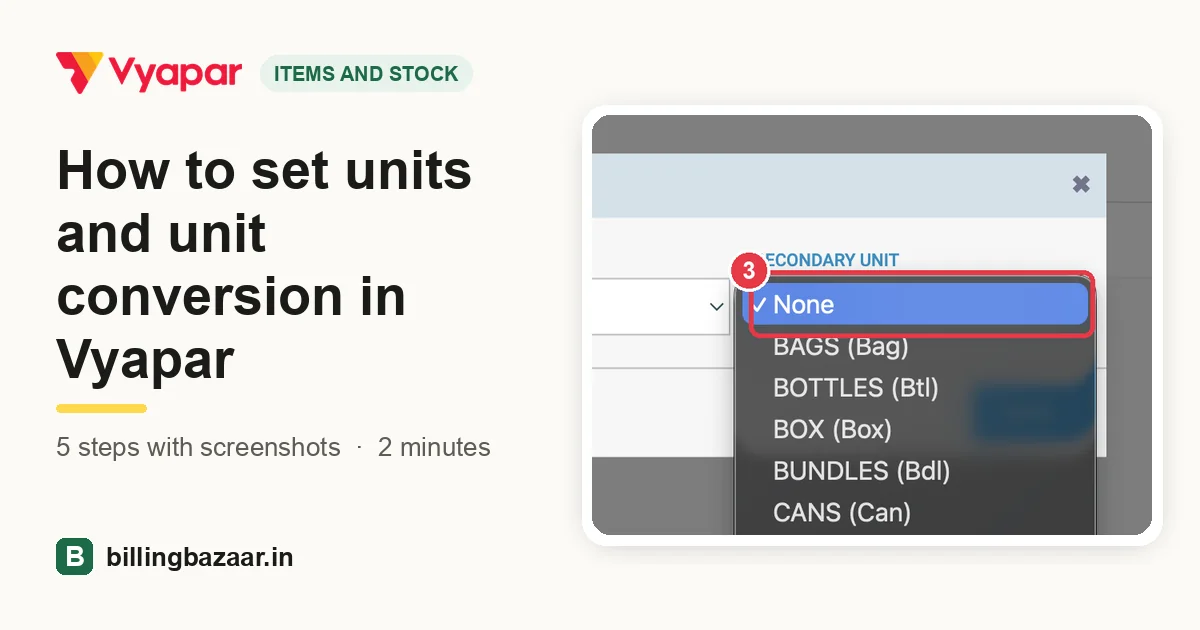 How to set units and unit conversion in Vyapar5 steps · 2 minutes
-
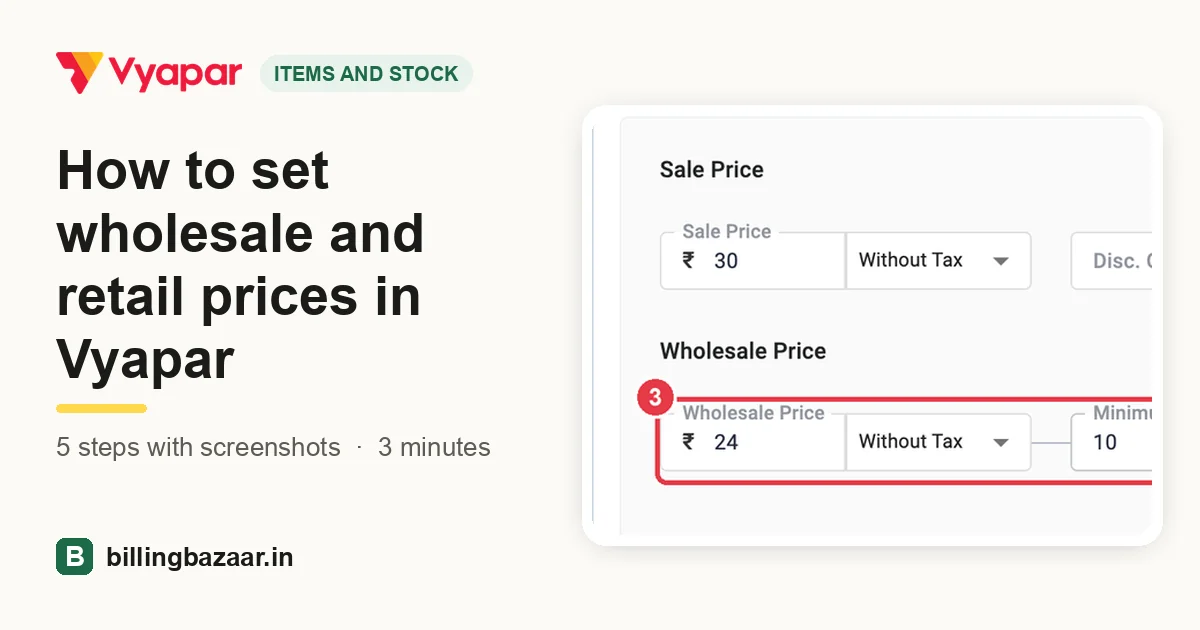 How to set wholesale and retail prices in Vyapar5 steps · 3 minutes
-
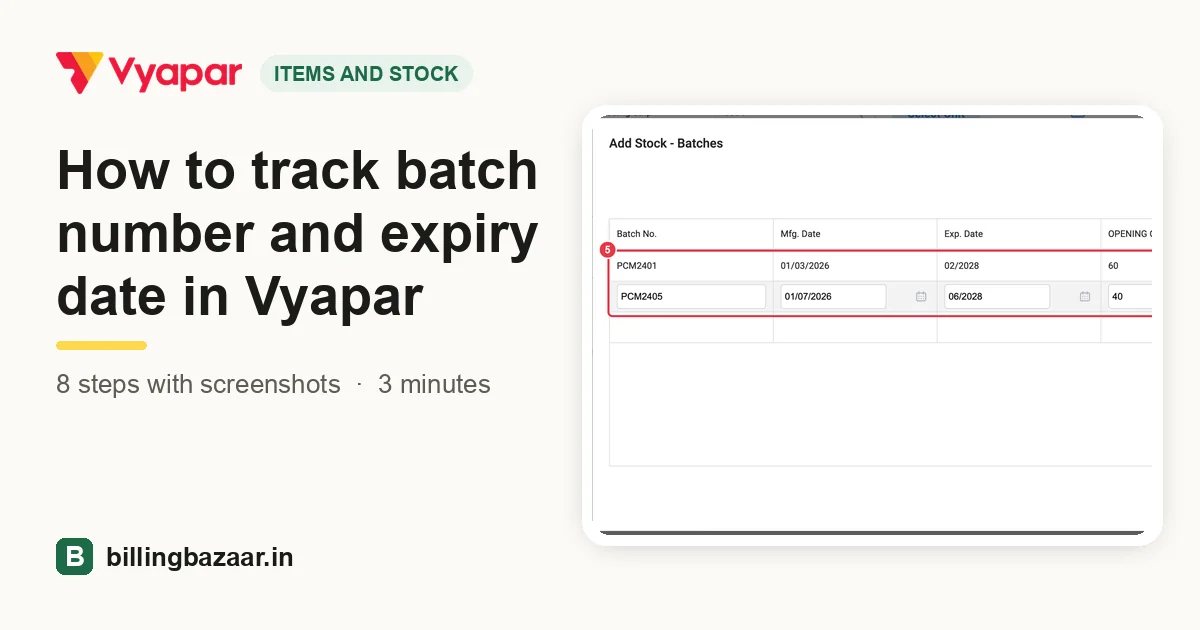 How to track batch number and expiry date in Vyapar8 steps · 3 minutes
-
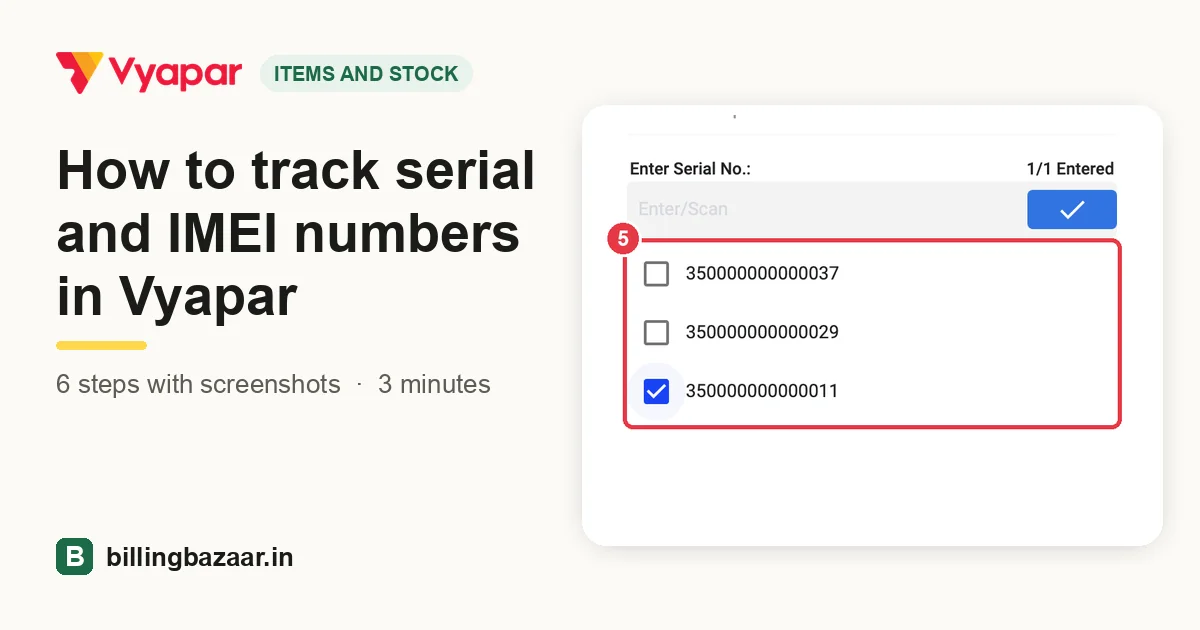 How to track serial and IMEI numbers in Vyapar6 steps · 3 minutes
-
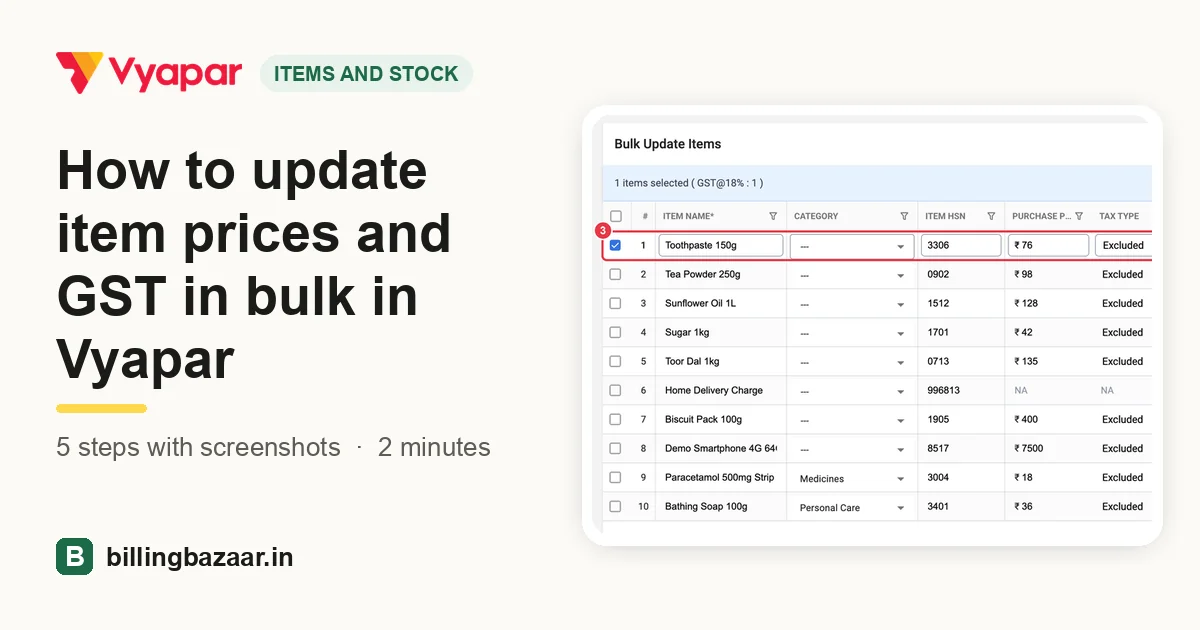 How to update item prices and GST in bulk in Vyapar5 steps · 2 minutes
Parties
-
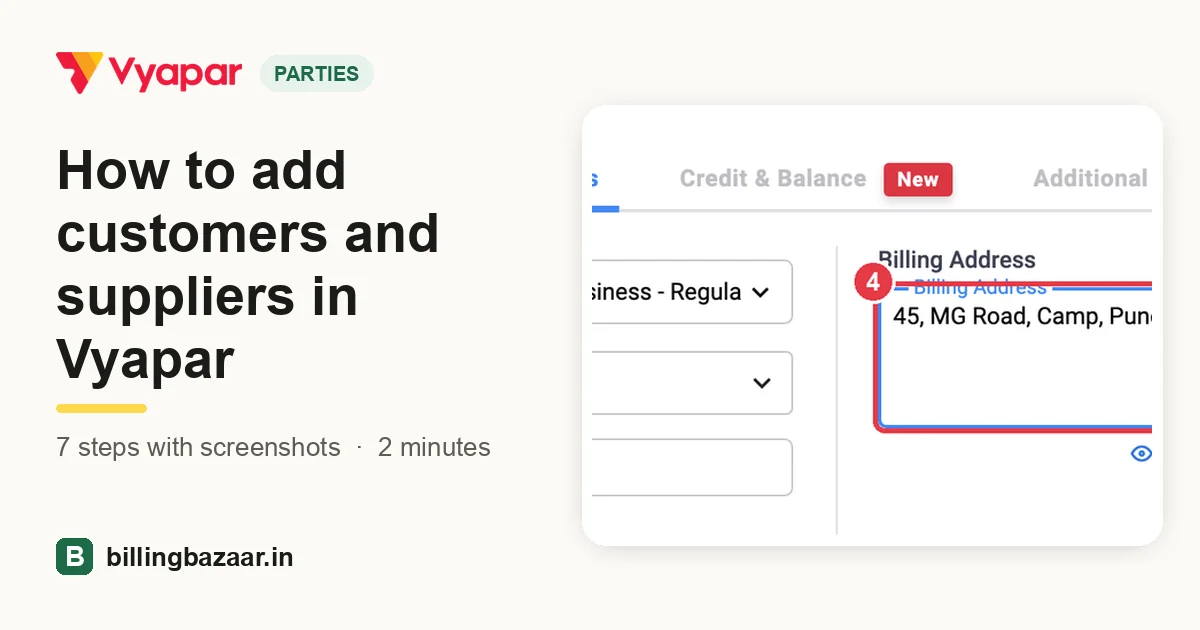 How to add customers and suppliers in Vyapar7 steps · 2 minutes
-
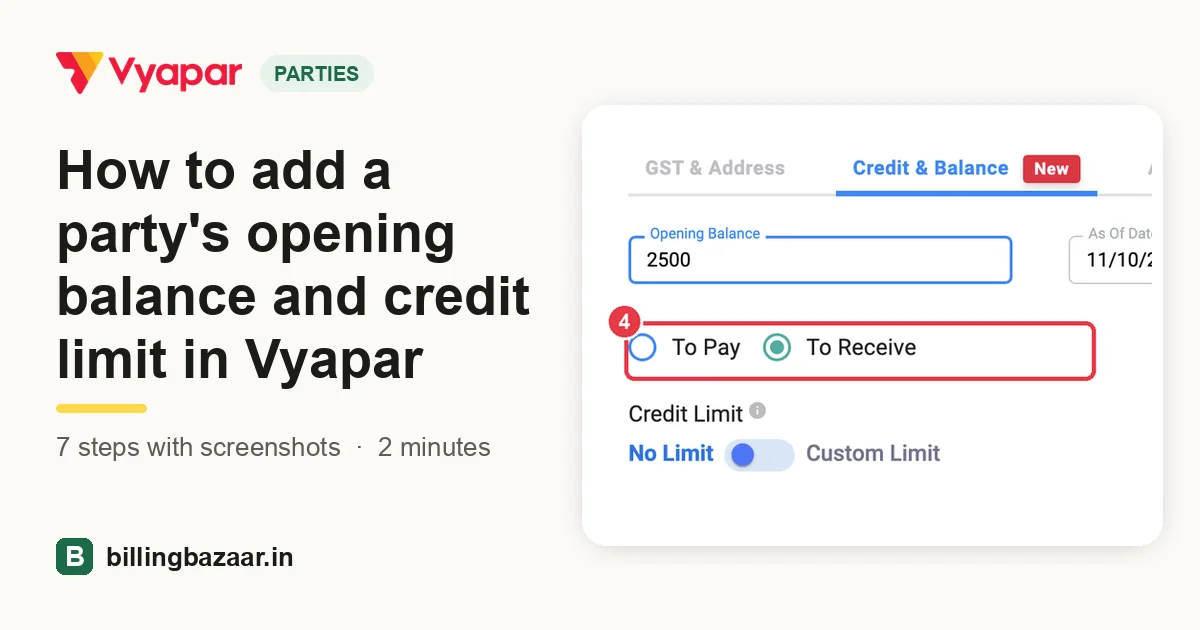 How to add a party's opening balance and credit limit in Vyapar7 steps · 2 minutes
-
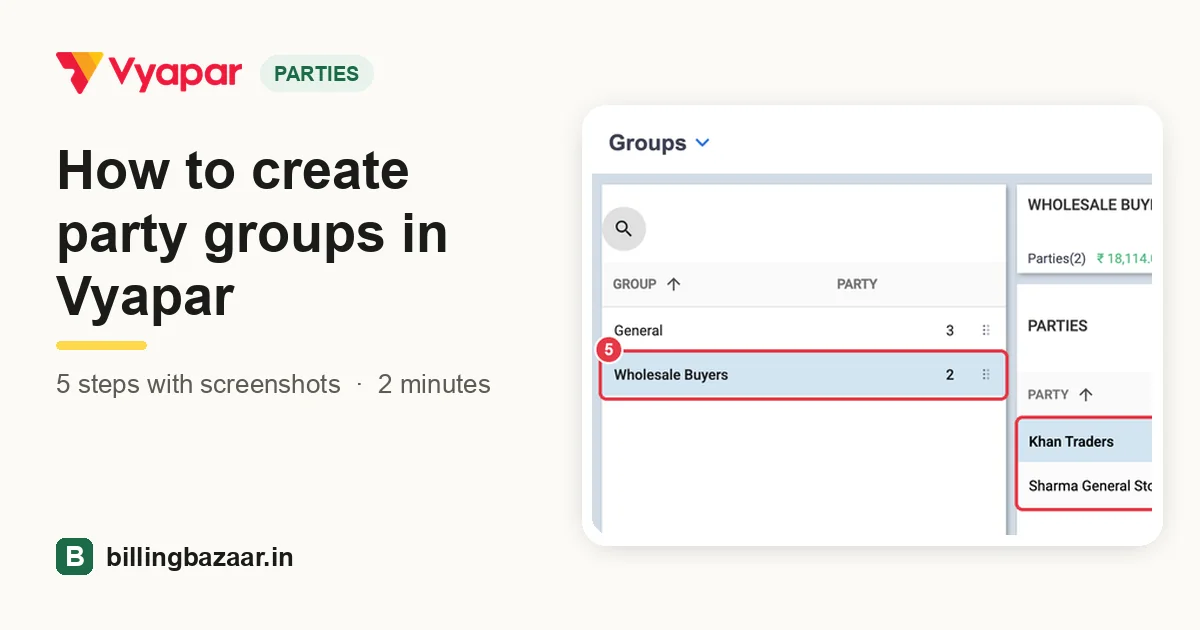 How to create party groups in Vyapar5 steps · 2 minutes
-
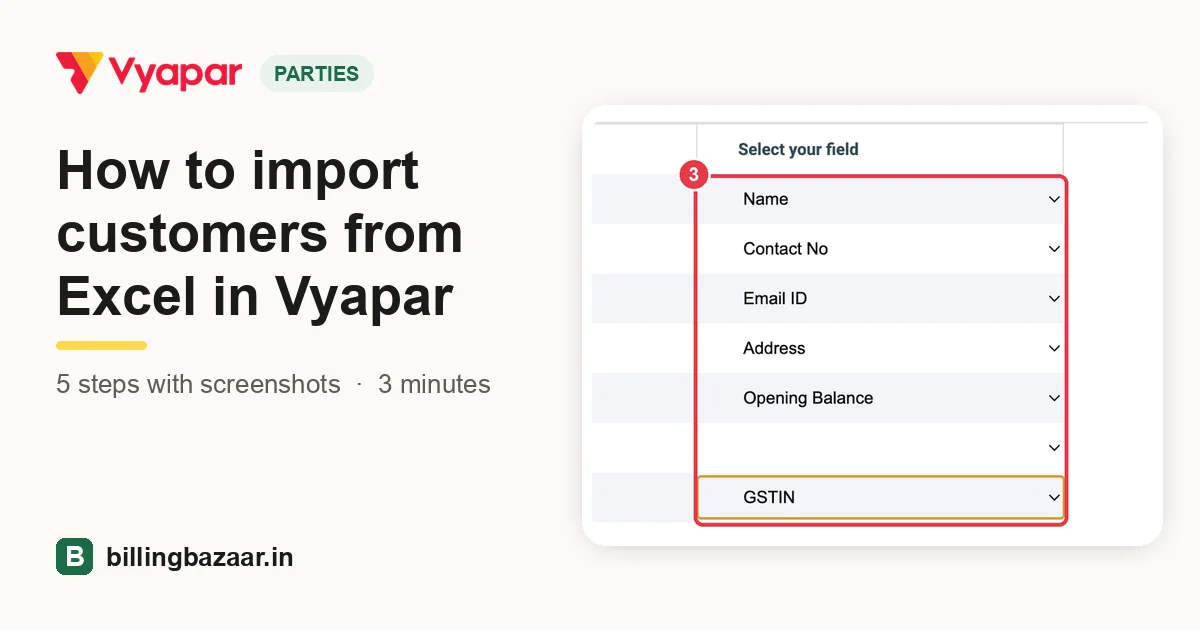 How to import customers from Excel in Vyapar5 steps · 3 minutes
-
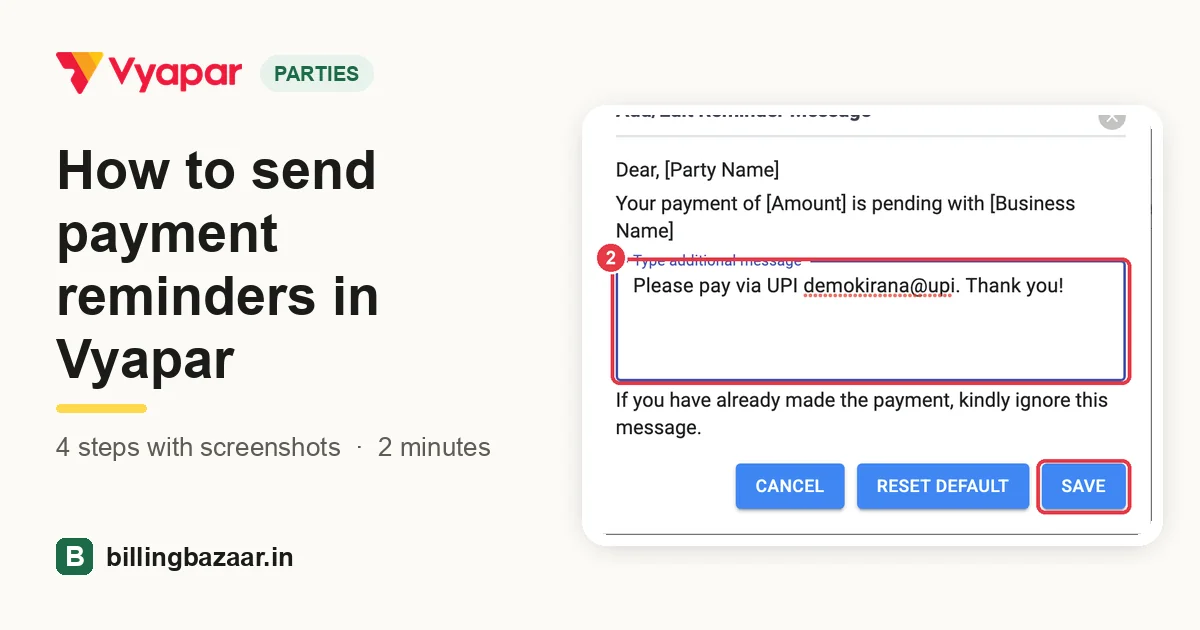 How to send payment reminders in Vyapar4 steps · 2 minutes
-
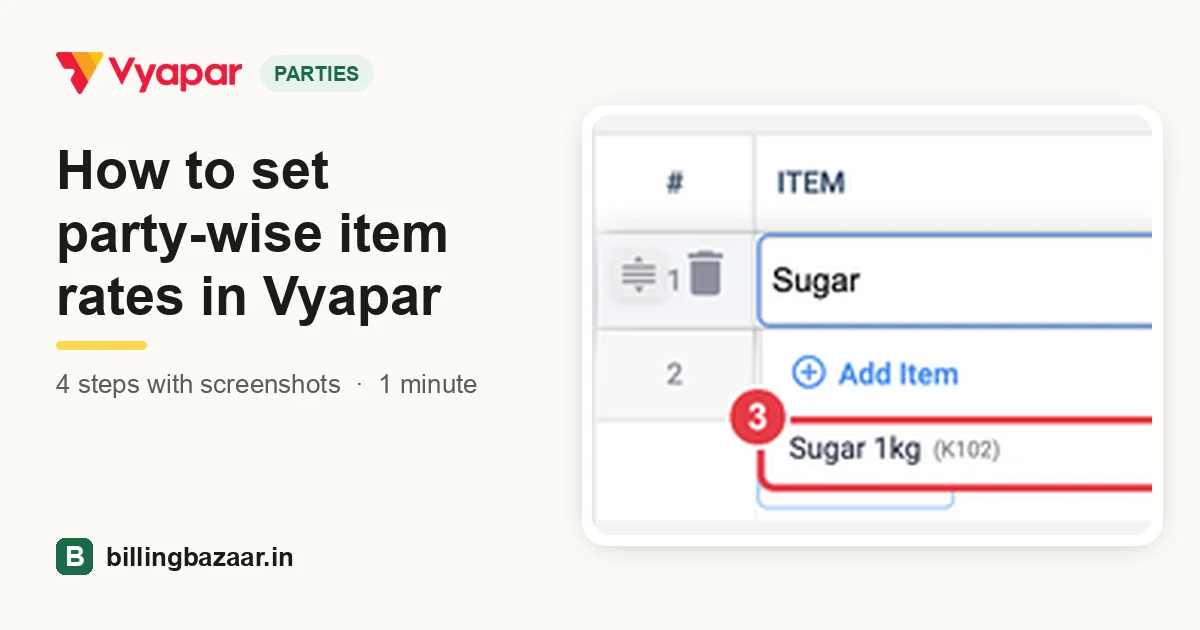 How to set party-wise item rates in Vyapar4 steps · 1 minute
Sales
-
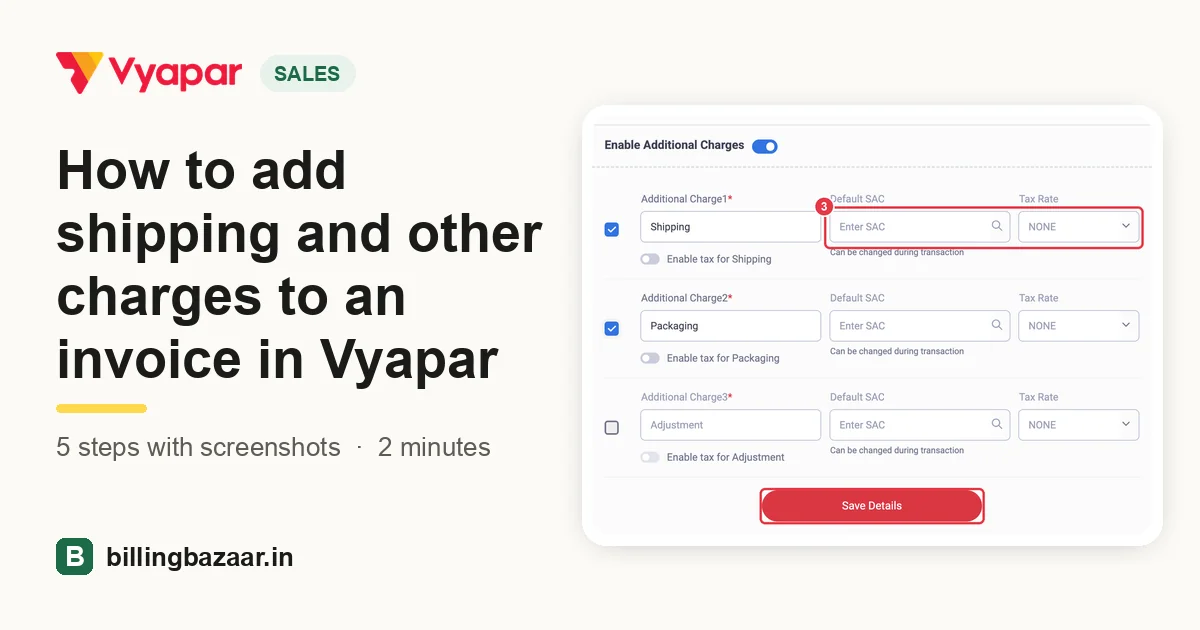 How to add shipping and other charges to an invoice in Vyapar5 steps · 2 minutes
-
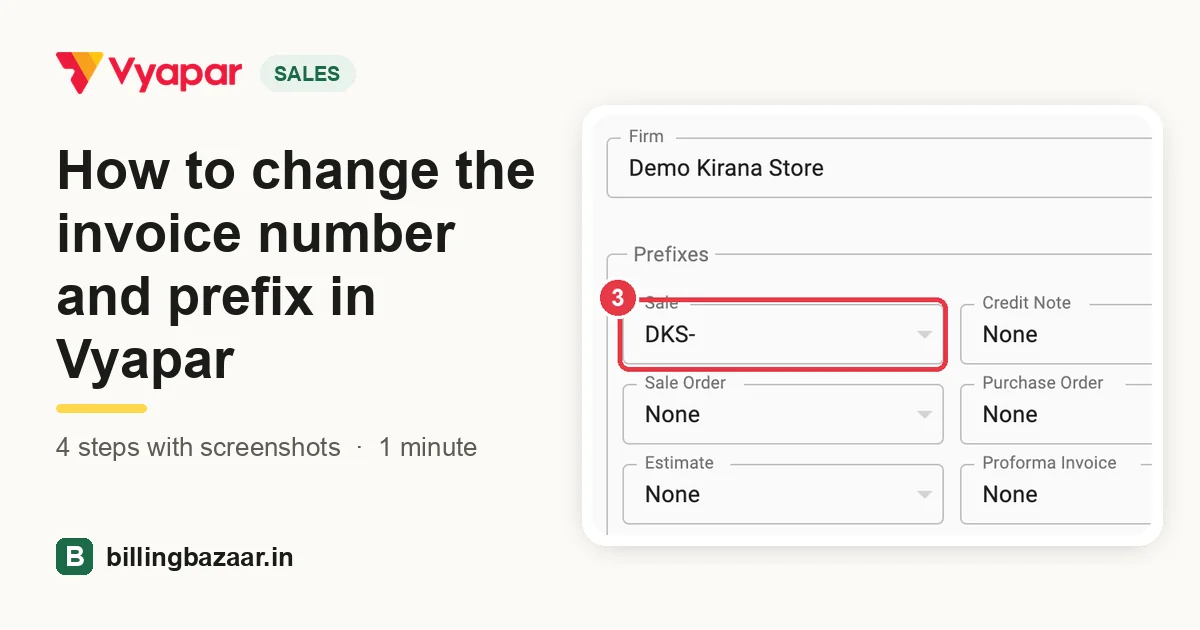 How to change the invoice number and prefix in Vyapar4 steps · 1 minute
-
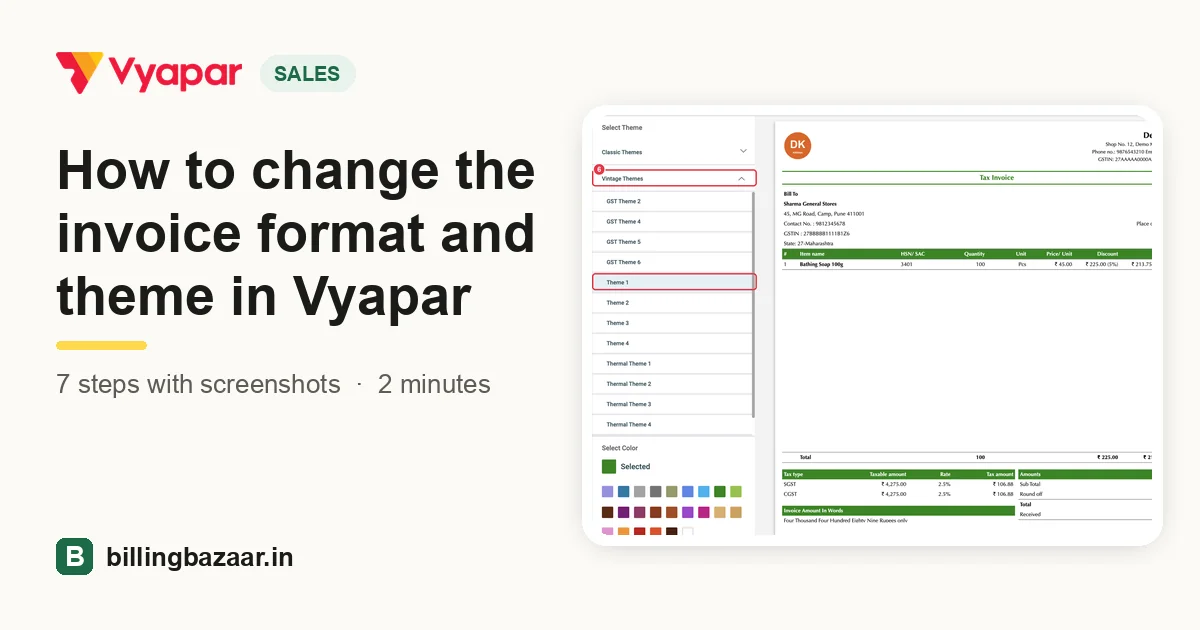 How to change the invoice format and theme in Vyapar7 steps · 2 minutes
-
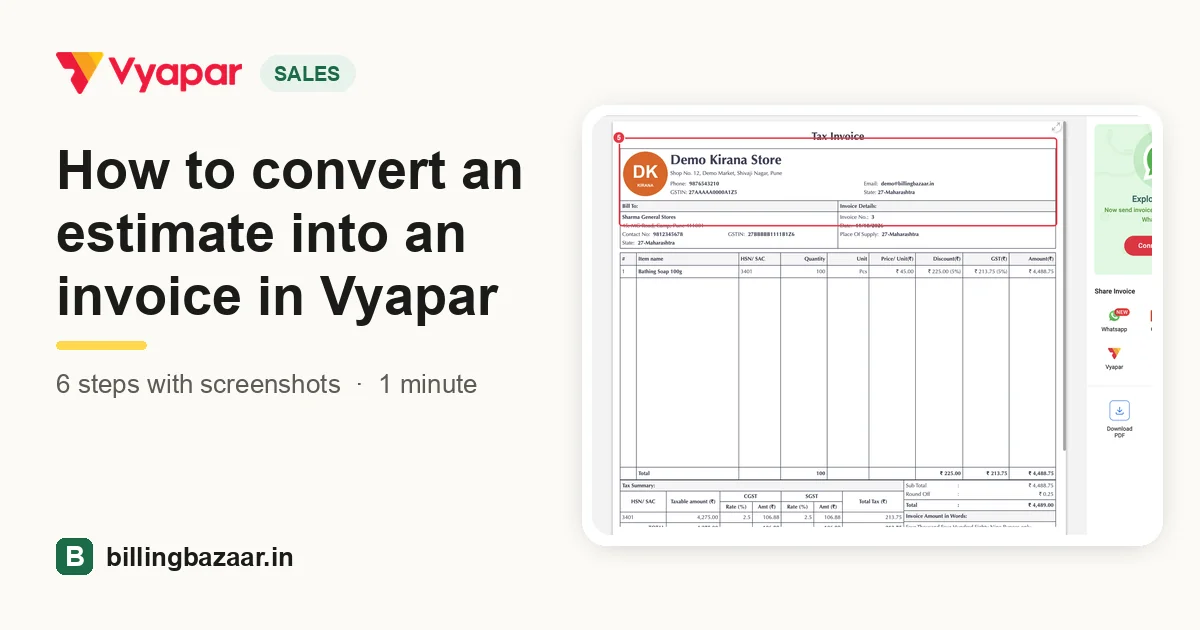 How to convert an estimate into an invoice in Vyapar6 steps · 1 minute
-
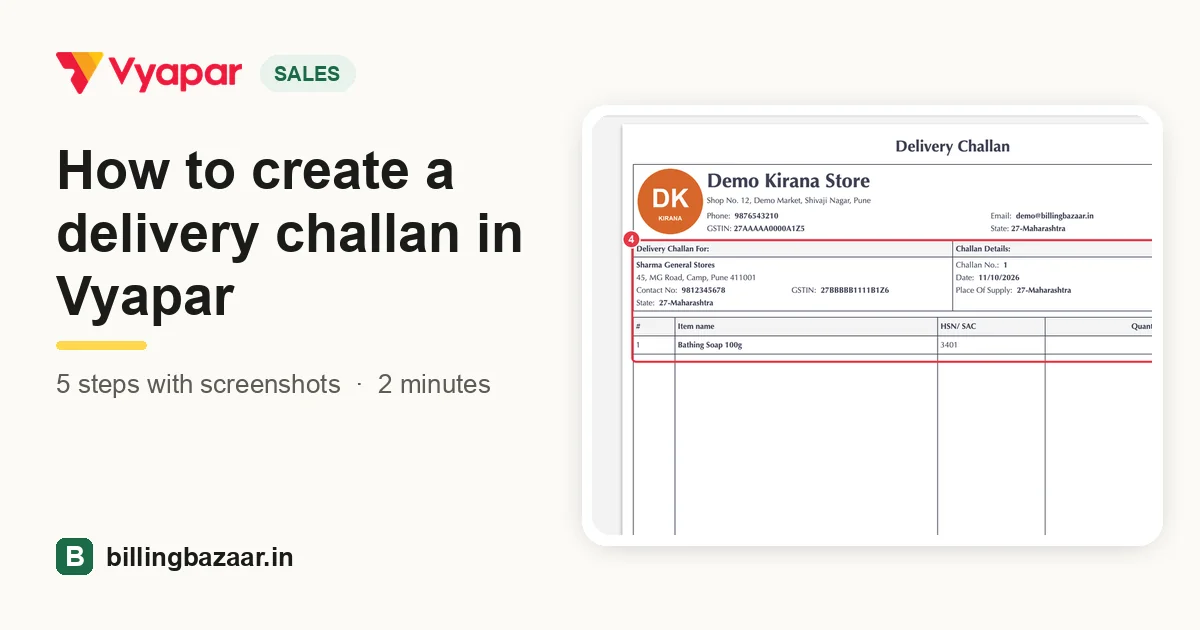 How to create a delivery challan in Vyapar5 steps · 2 minutes
-
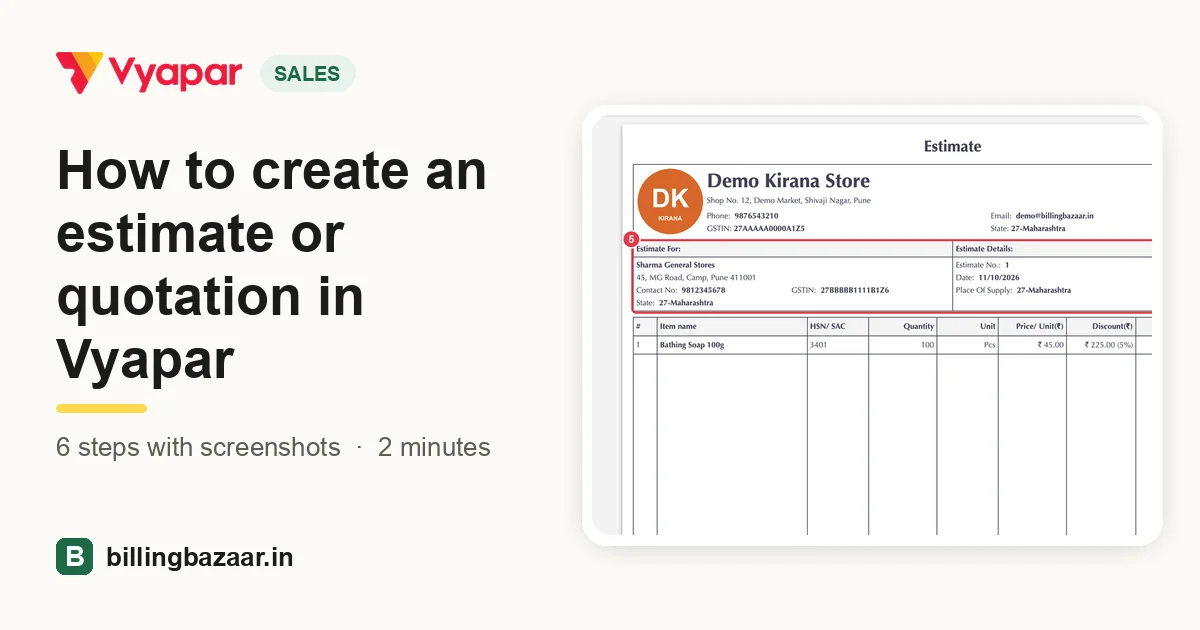 How to create an estimate or quotation in Vyapar6 steps · 2 minutes
-
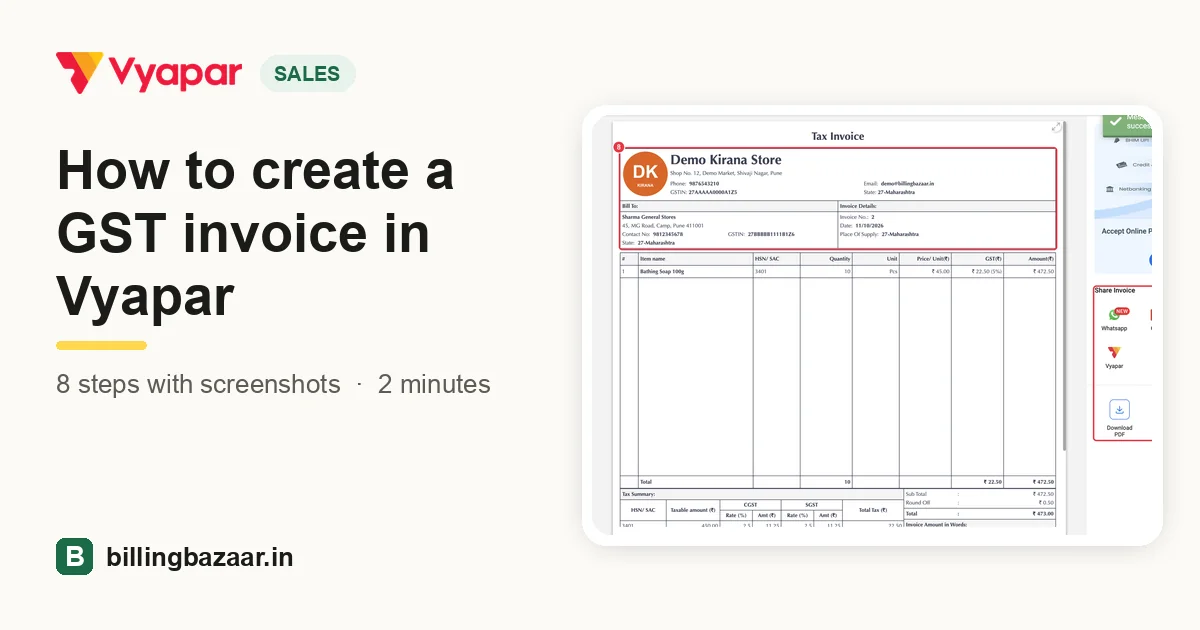 How to create a GST invoice in Vyapar8 steps · 2 minutes
-
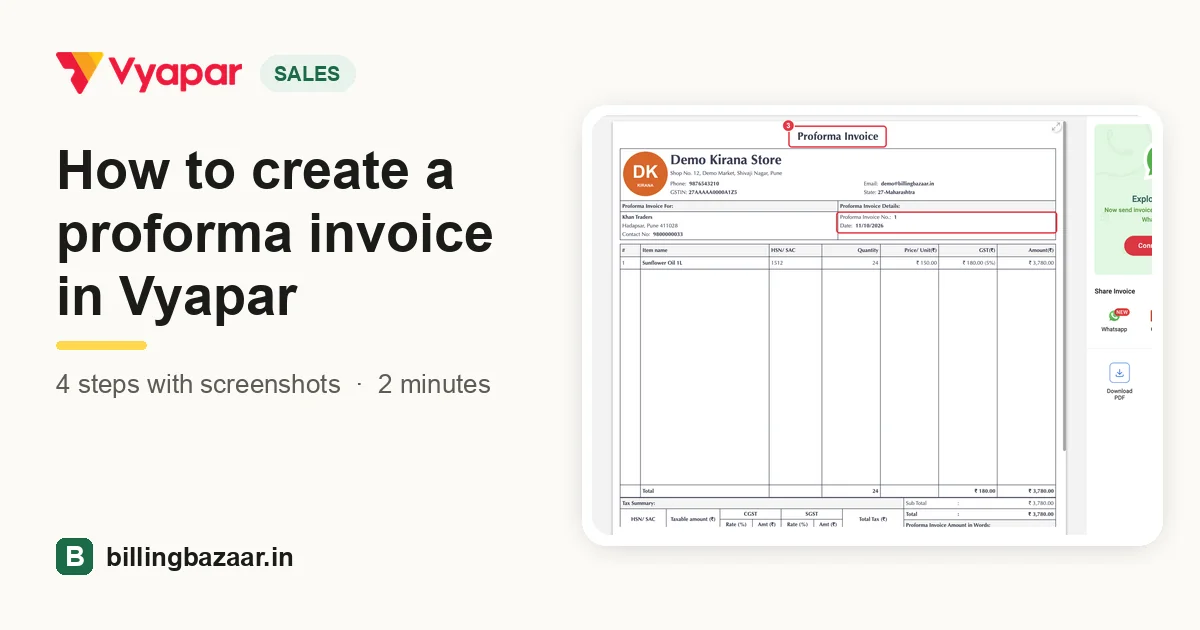 How to create a proforma invoice in Vyapar4 steps · 2 minutes
-
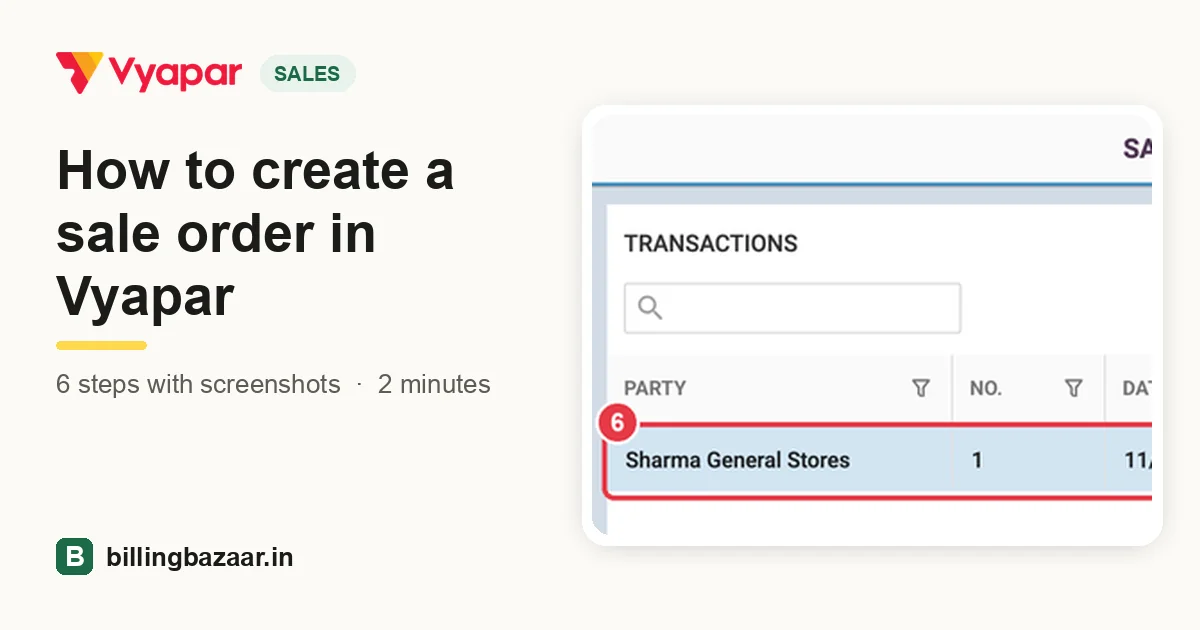 How to create a sale order in Vyapar6 steps · 2 minutes
-
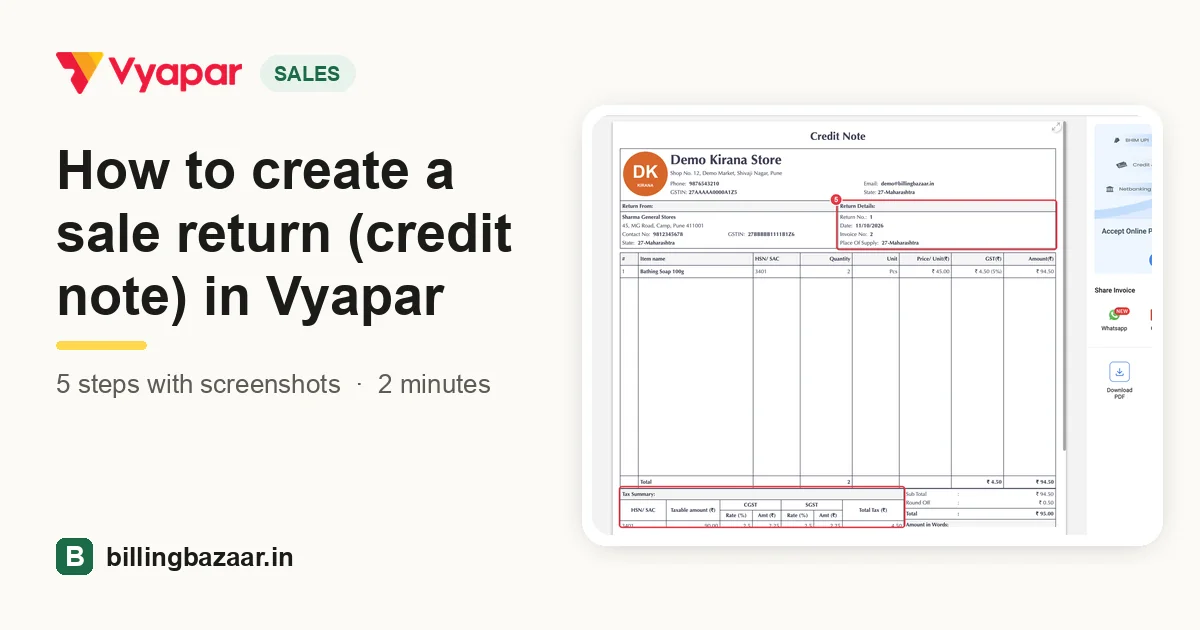 How to create a sale return (credit note) in Vyapar5 steps · 2 minutes
-
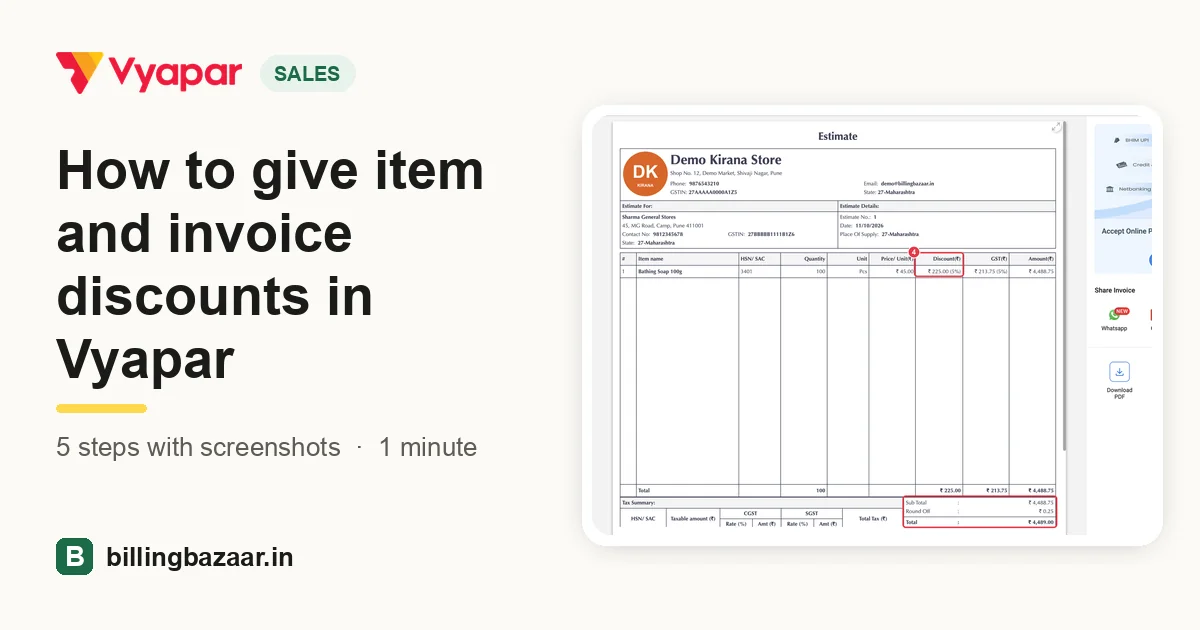 How to give item and invoice discounts in Vyapar5 steps · 1 minute
-
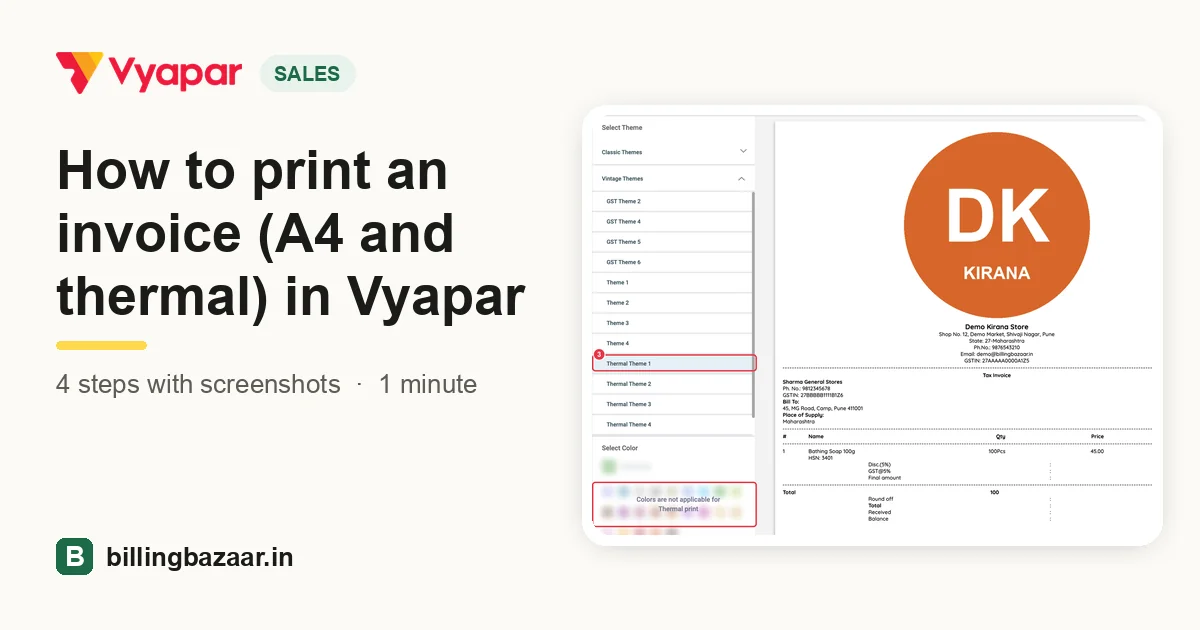 How to print an invoice (A4 and thermal) in Vyapar4 steps · 1 minute
-
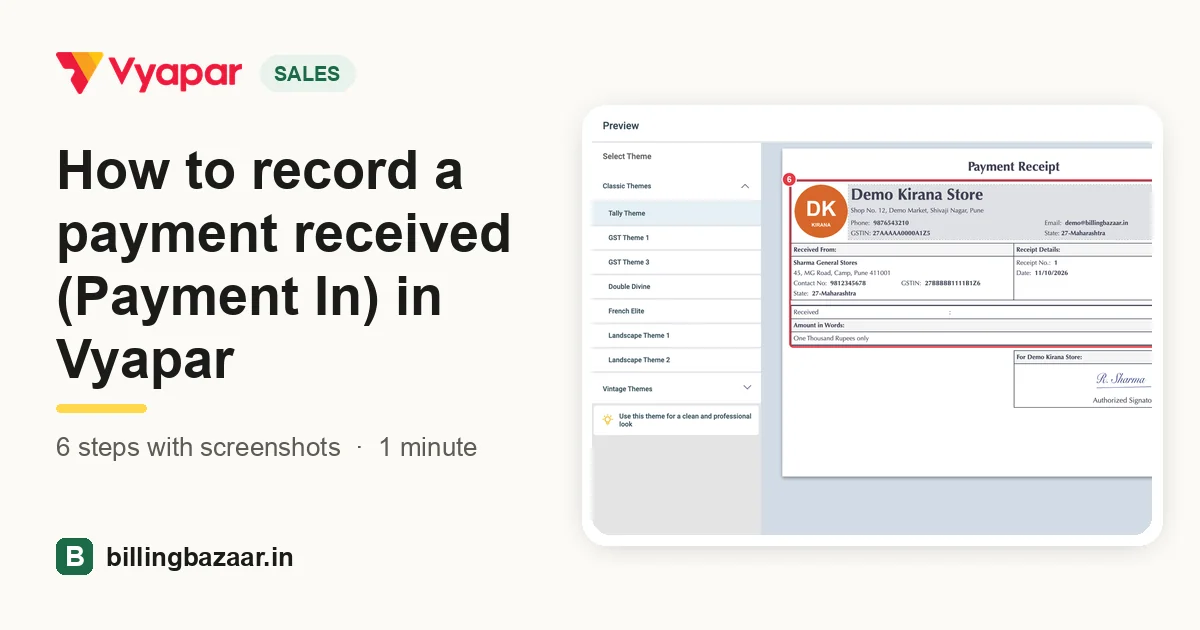 How to record a payment received (Payment In) in Vyapar6 steps · 1 minute
-
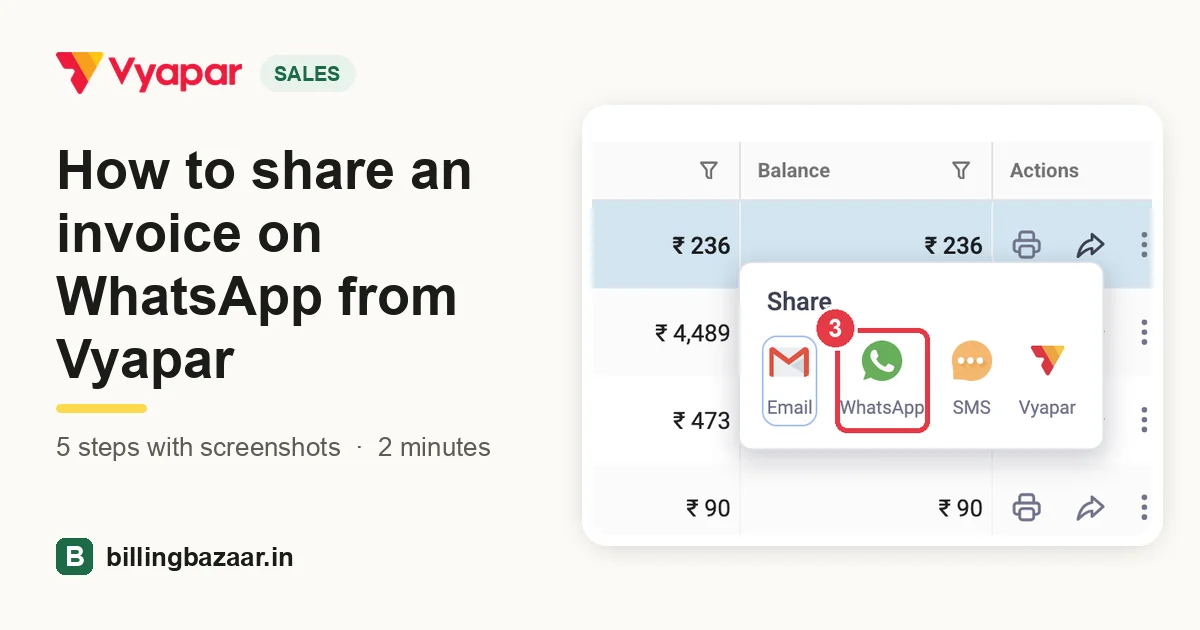 How to share an invoice on WhatsApp from Vyapar5 steps · 2 minutes
Purchases and expenses
-
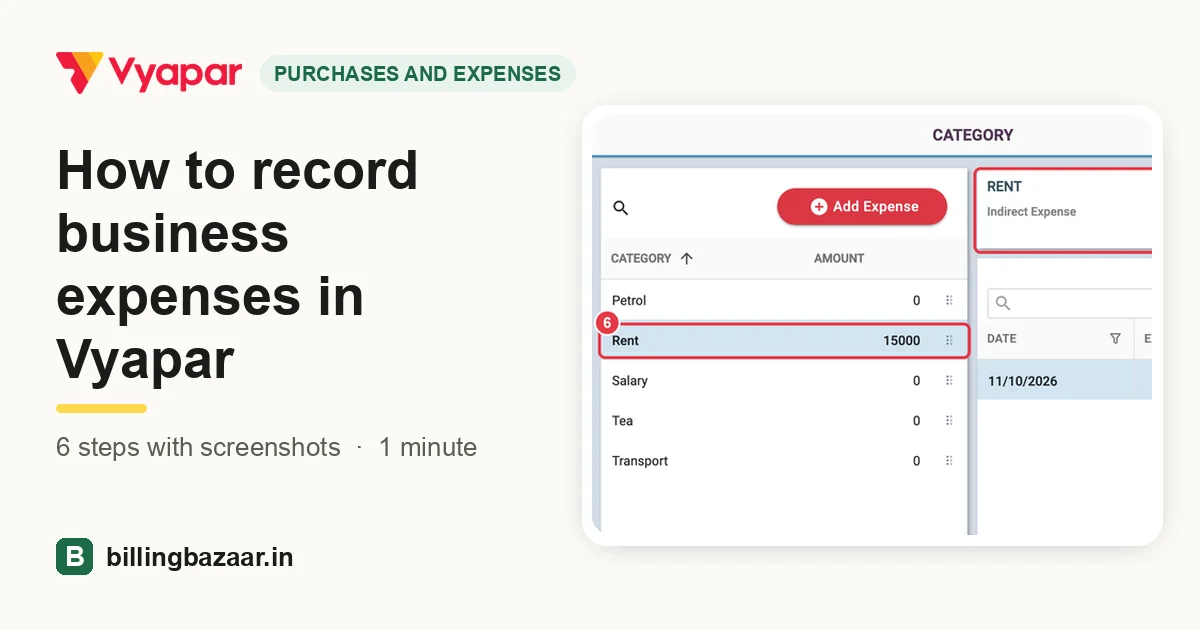 How to record business expenses in Vyapar6 steps · 1 minute
-
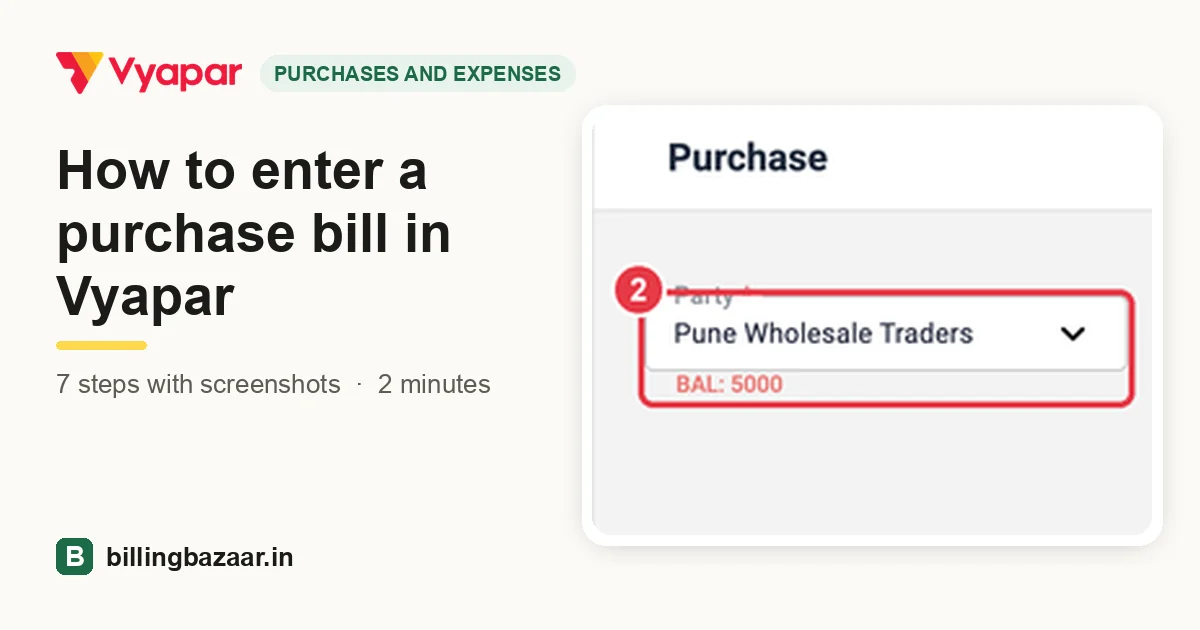 How to enter a purchase bill in Vyapar7 steps · 2 minutes
-
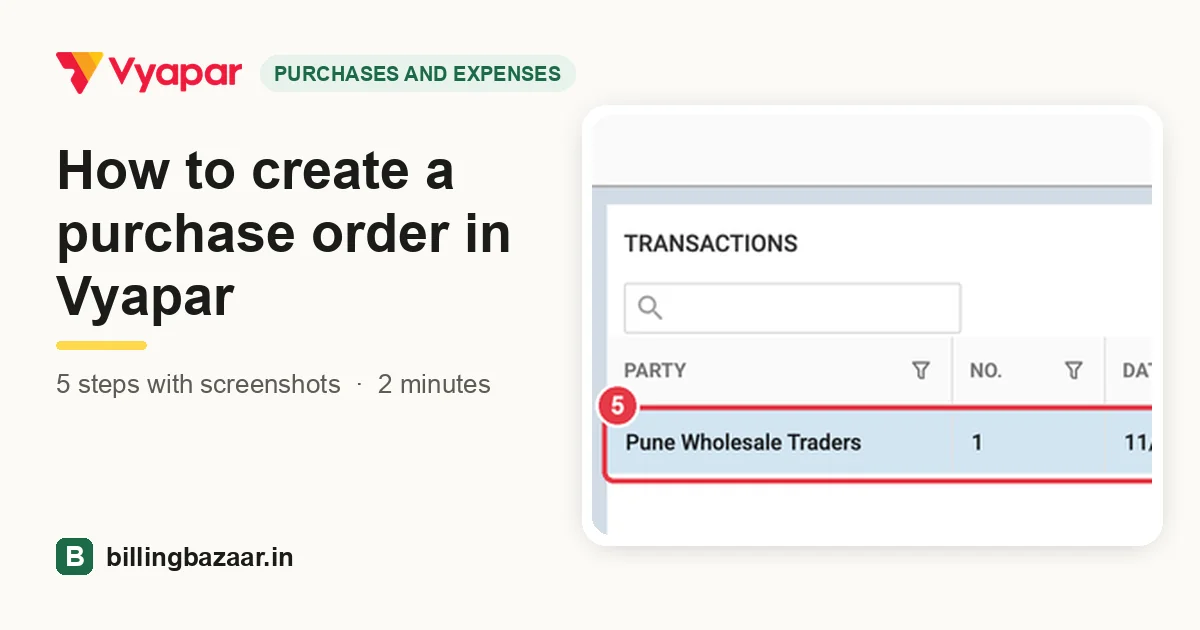 How to create a purchase order in Vyapar5 steps · 2 minutes
-
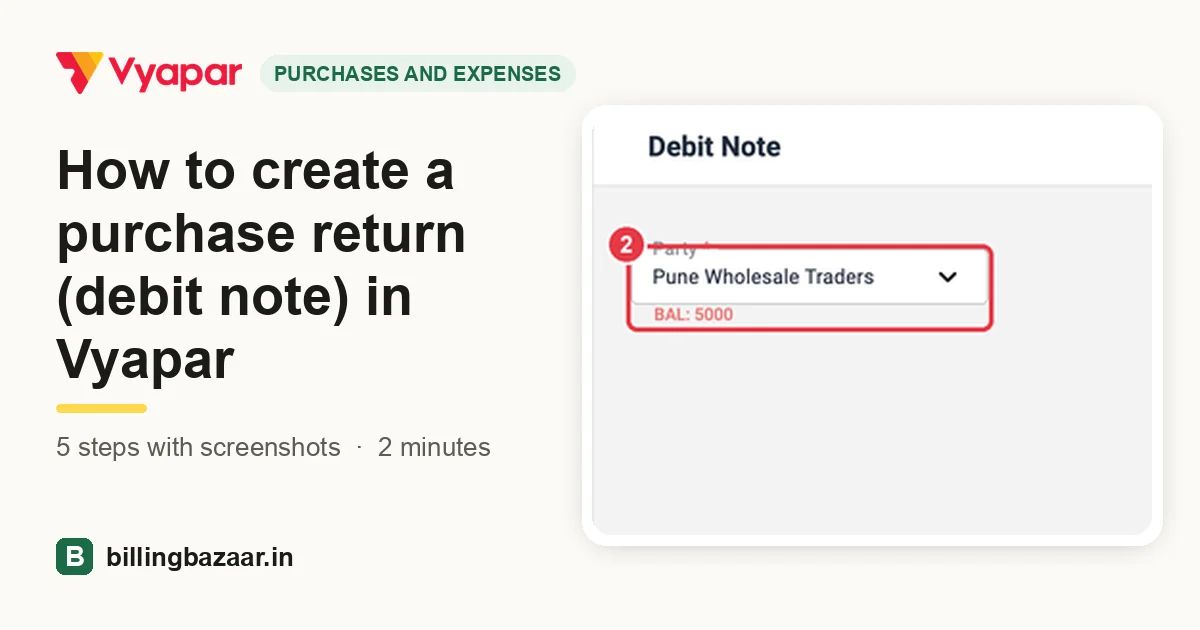 How to create a purchase return (debit note) in Vyapar5 steps · 2 minutes
-
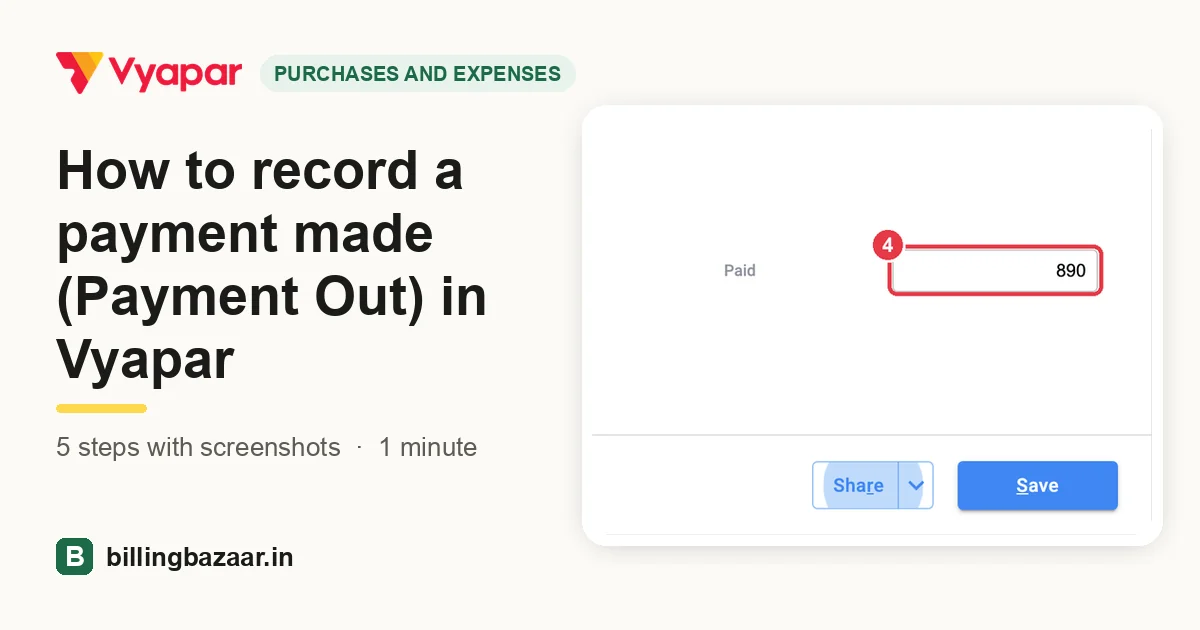 How to record a payment made (Payment Out) in Vyapar5 steps · 1 minute
GST
-
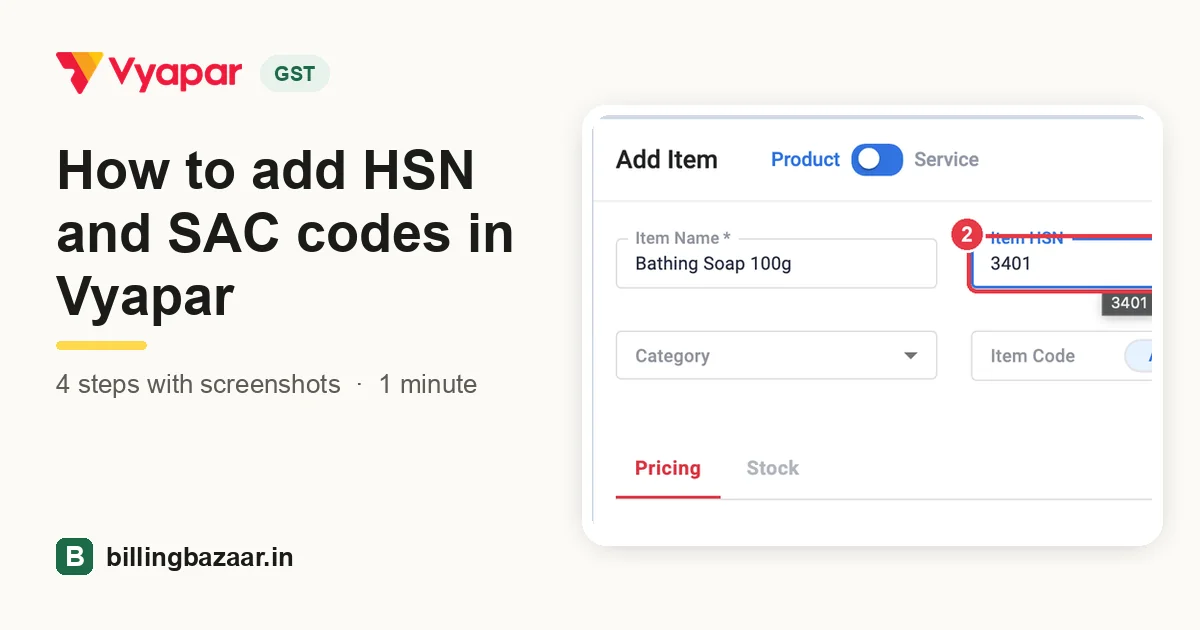 How to add HSN and SAC codes in Vyapar4 steps · 1 minute
-
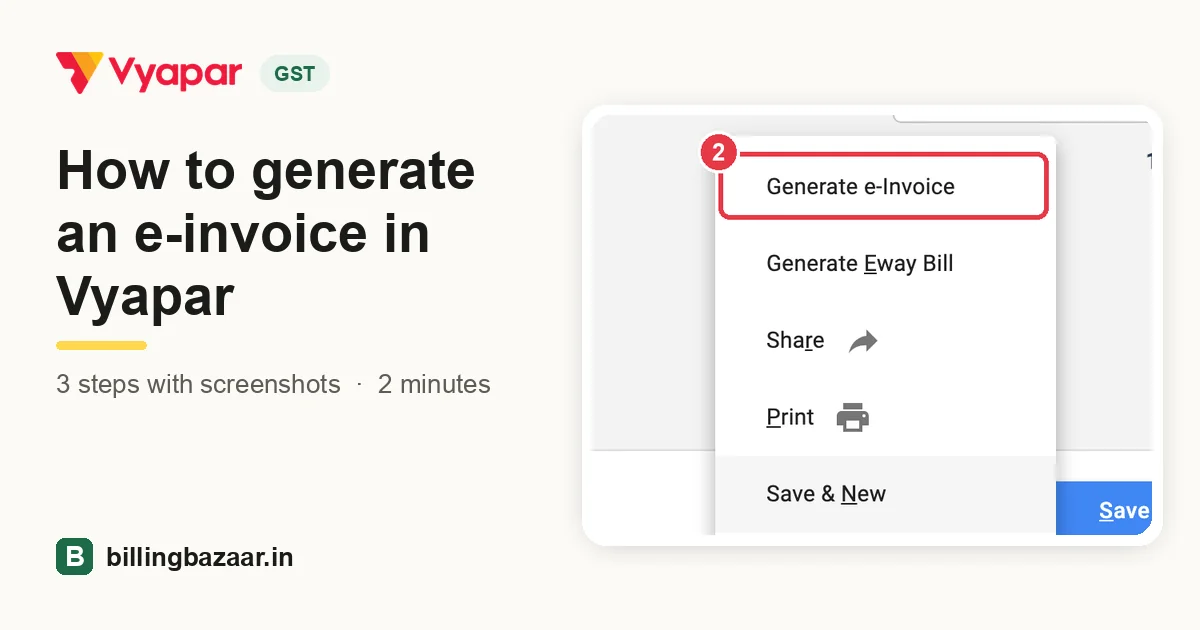 How to generate an e-invoice in Vyapar3 steps · 2 minutes
-
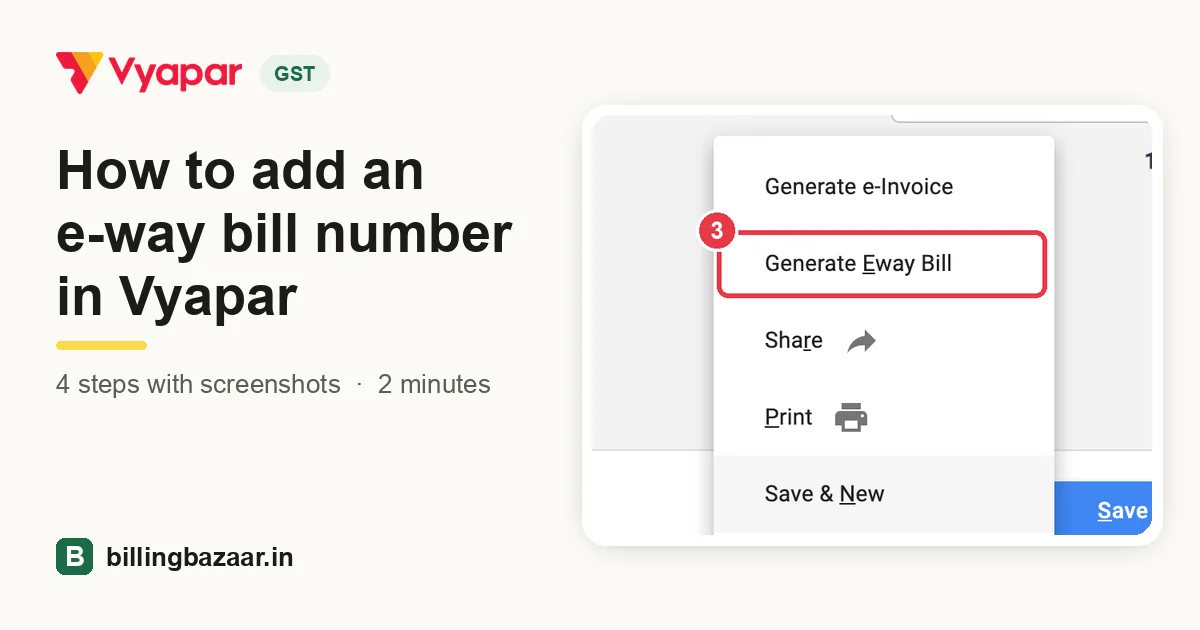 How to add an e-way bill number in Vyapar4 steps · 2 minutes
-
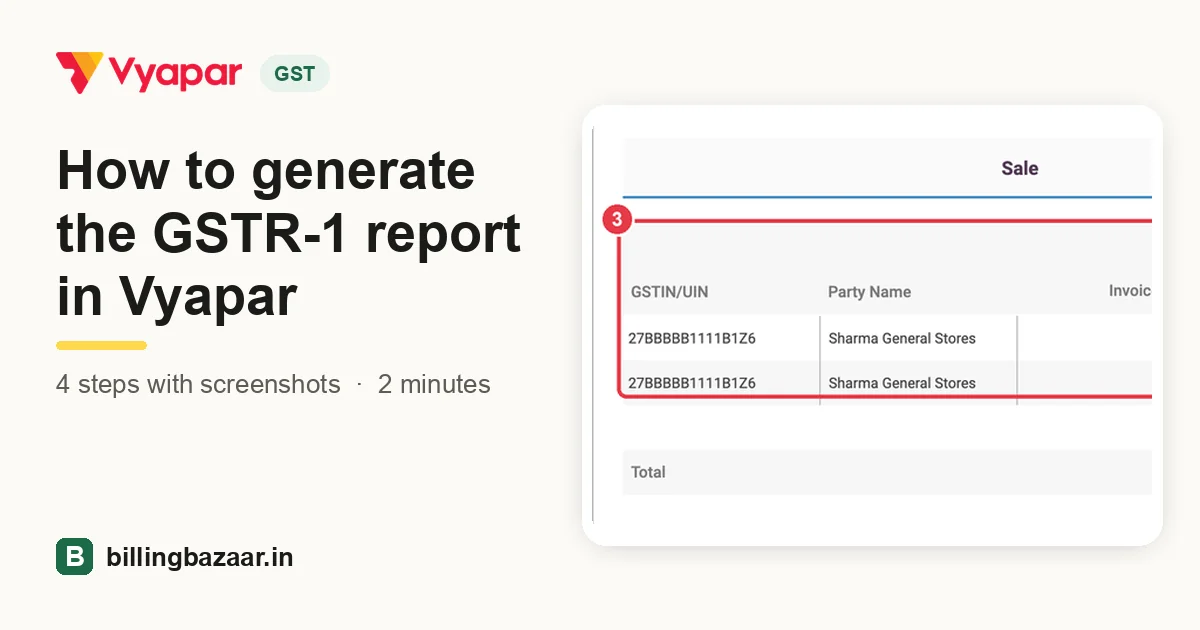 How to generate the GSTR-1 report in Vyapar4 steps · 2 minutes
-
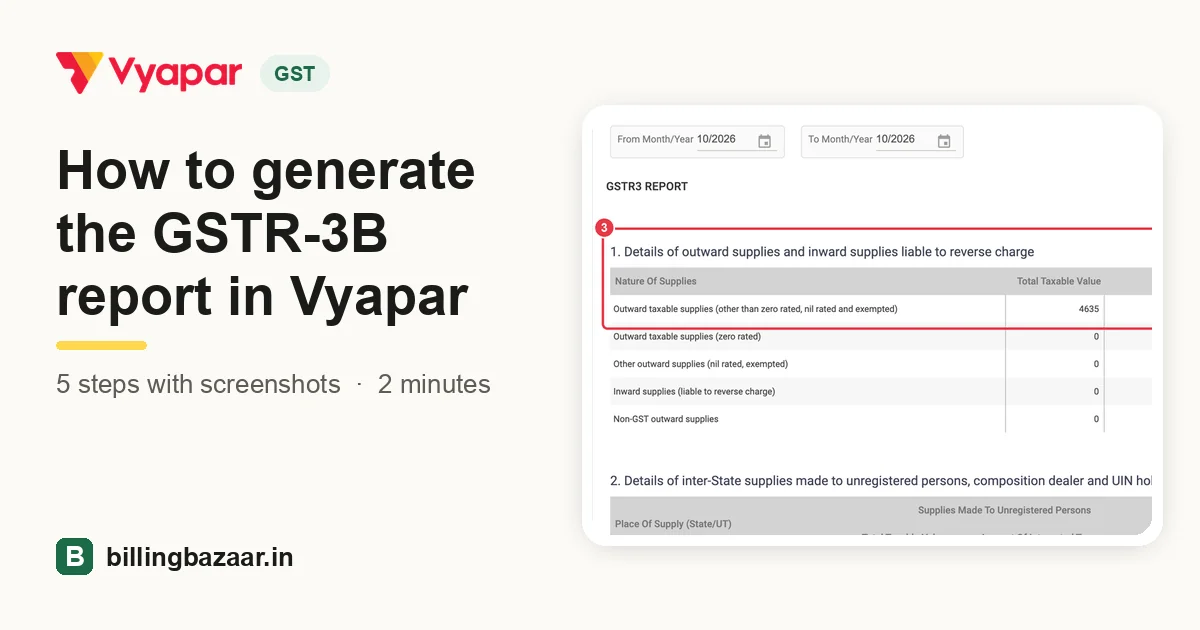 How to generate the GSTR-3B report in Vyapar5 steps · 2 minutes
-
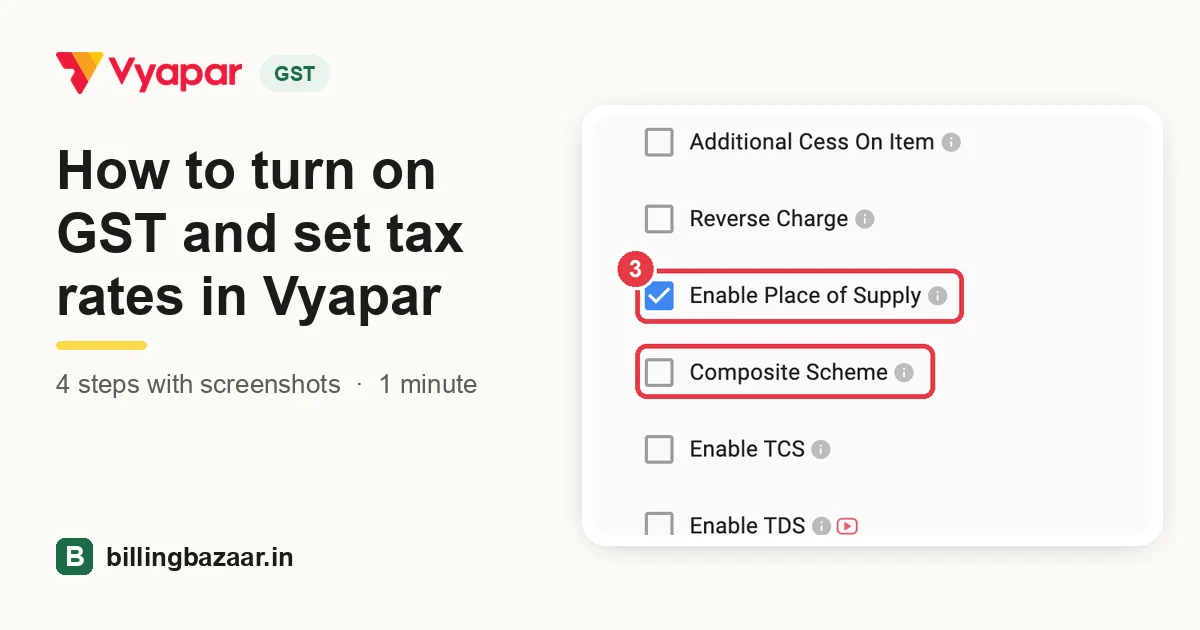 How to turn on GST and set tax rates in Vyapar4 steps · 1 minute
Cash and bank
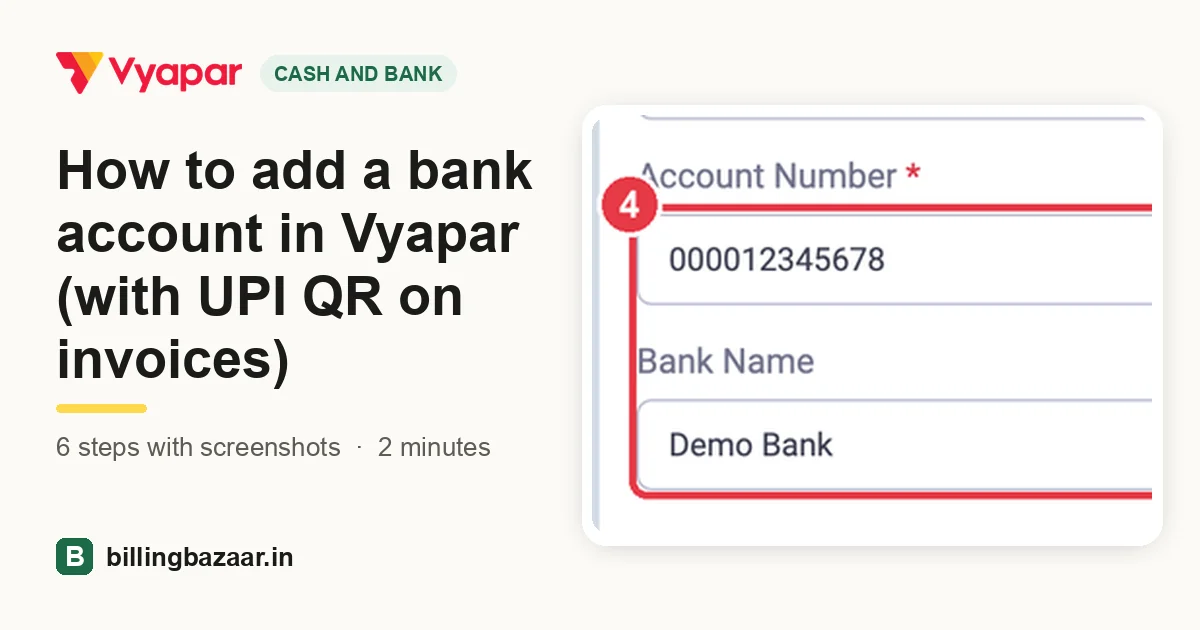 How to add a bank account in Vyapar (with UPI QR on invoices)
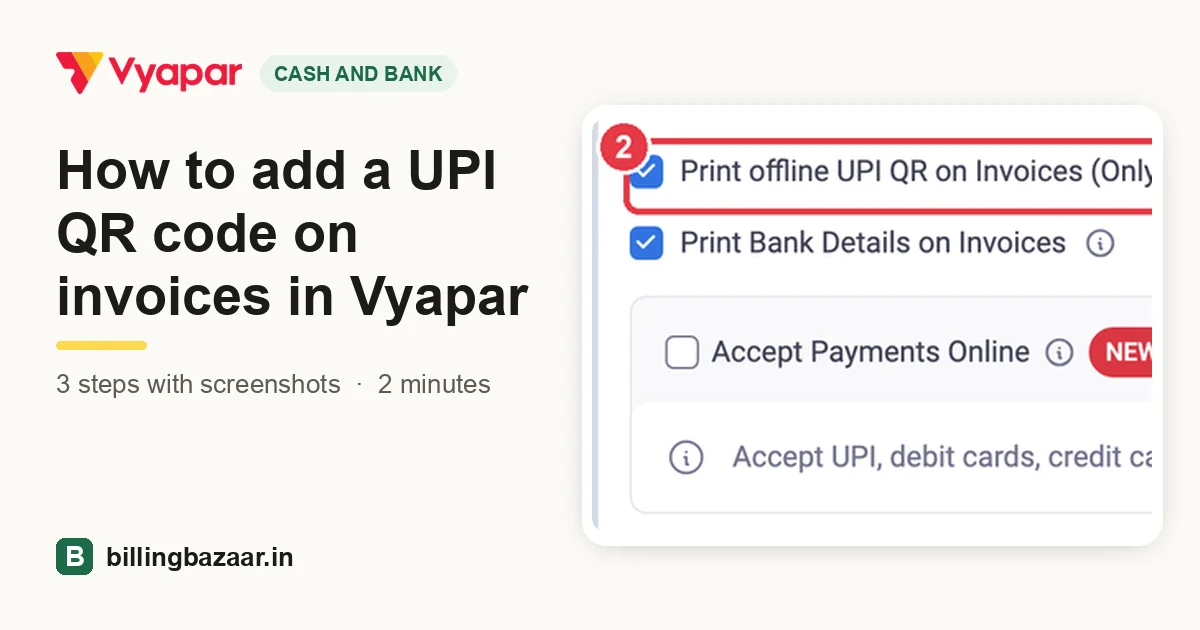 How to add a UPI QR code on invoices in Vyapar
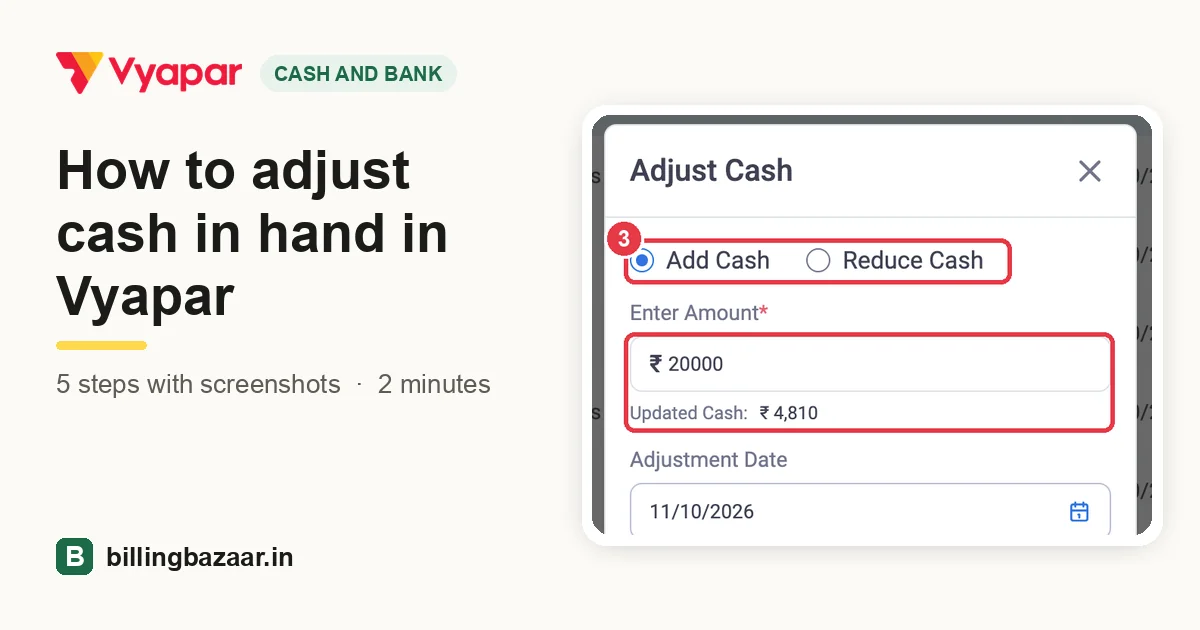 How to adjust cash in hand in Vyapar
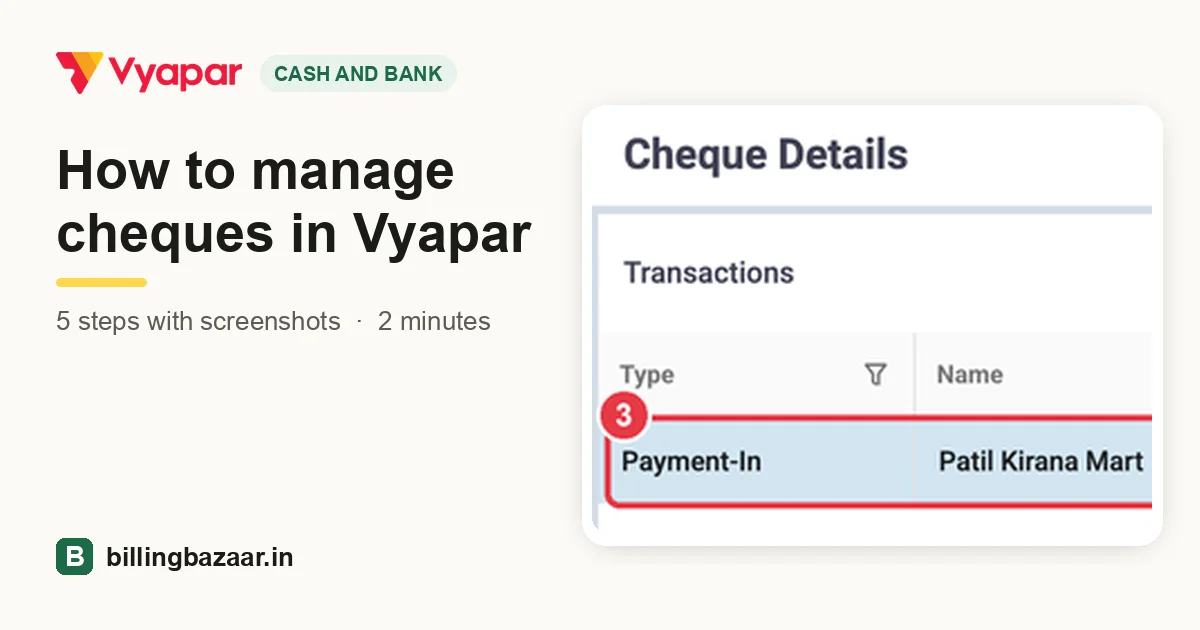 How to manage cheques in Vyapar
Reports
-
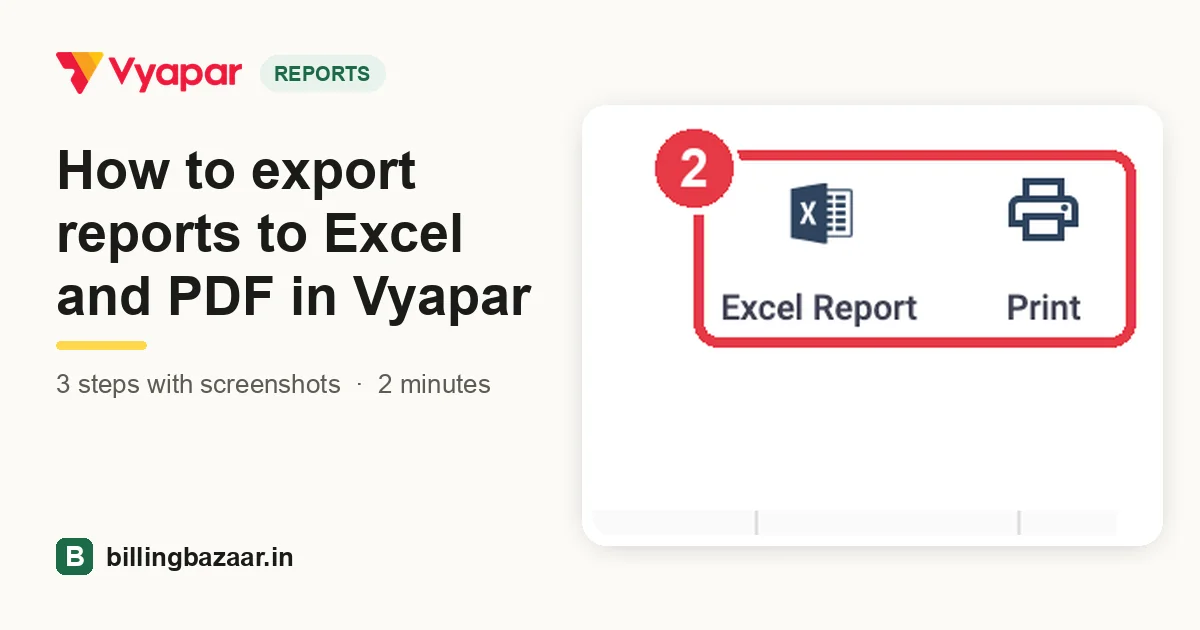 How to export reports to Excel and PDF in Vyapar3 steps · 2 minutes
-
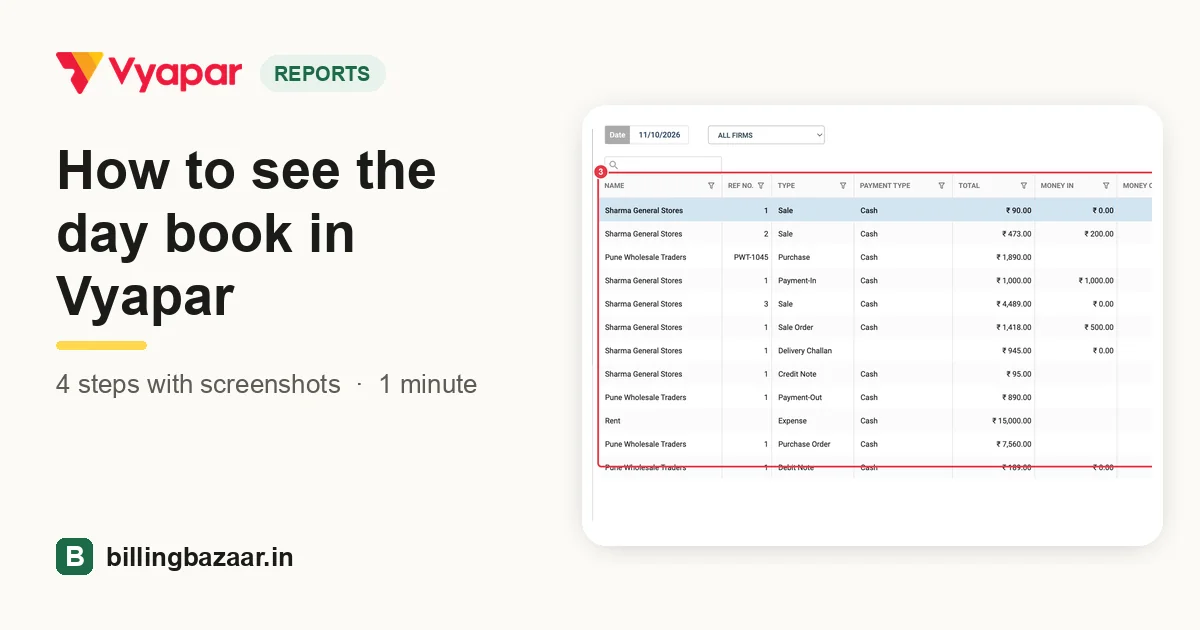 How to see the day book in Vyapar4 steps · 1 minute
-
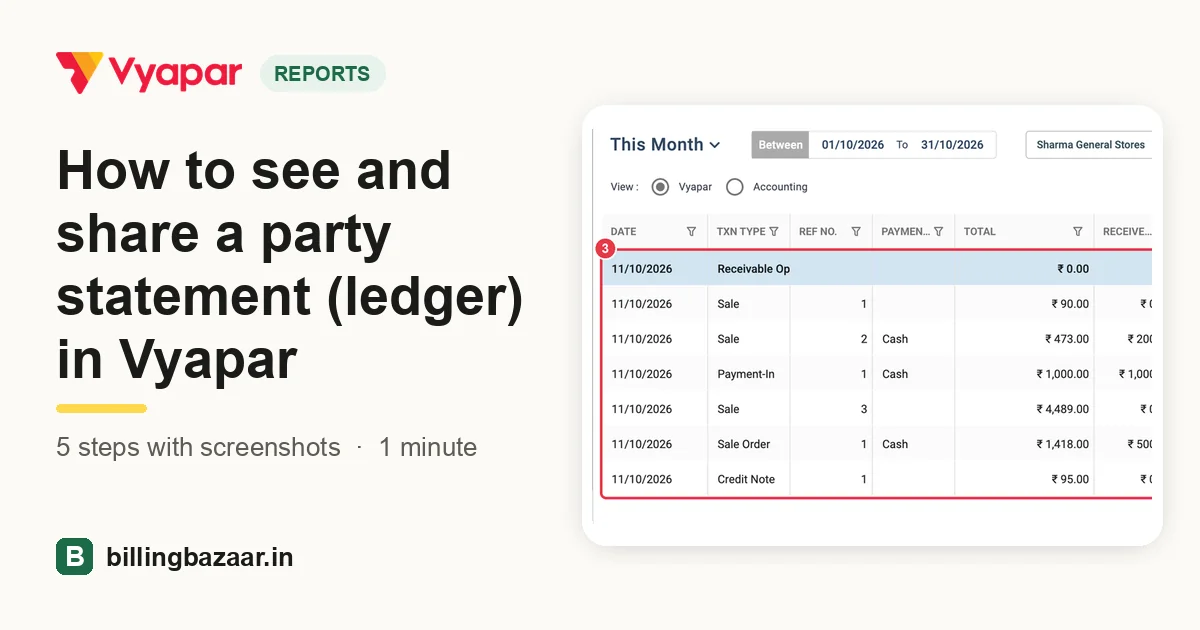 How to see and share a party statement (ledger) in Vyapar5 steps · 1 minute
-
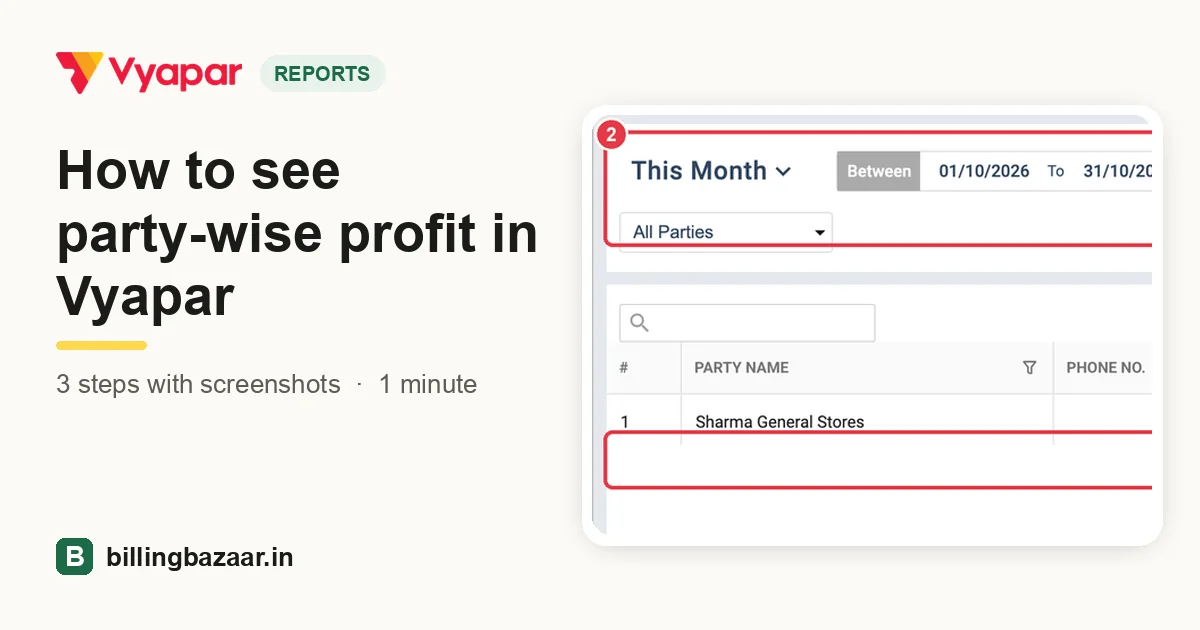 How to see party-wise profit in Vyapar3 steps · 1 minute
-
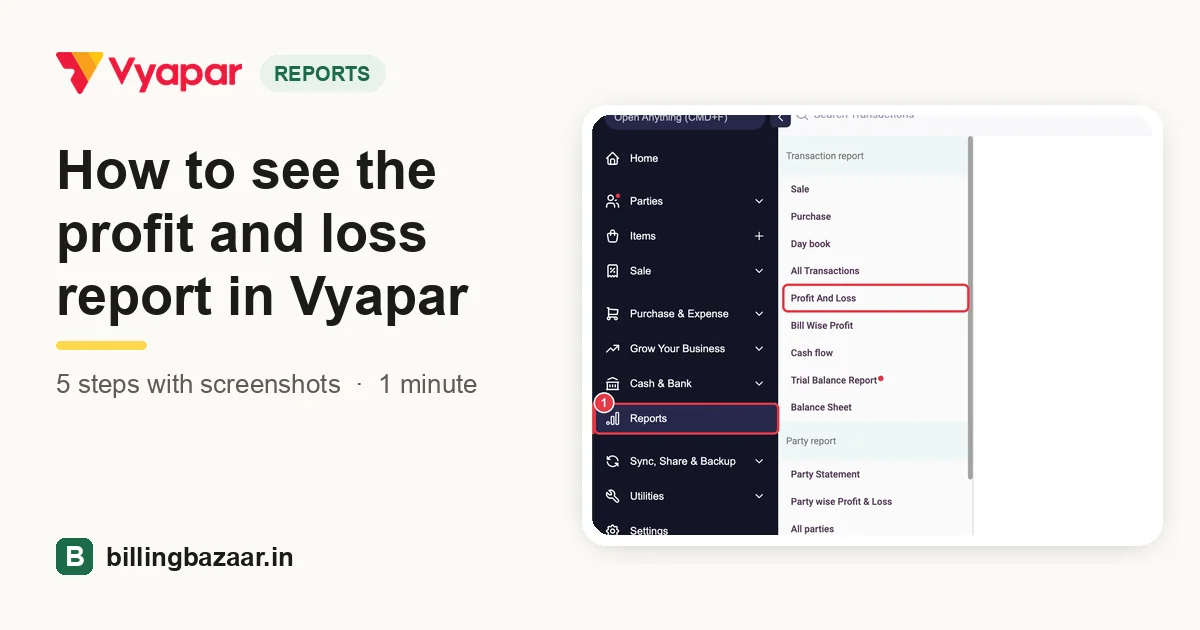 How to see the profit and loss report in Vyapar5 steps · 1 minute
-
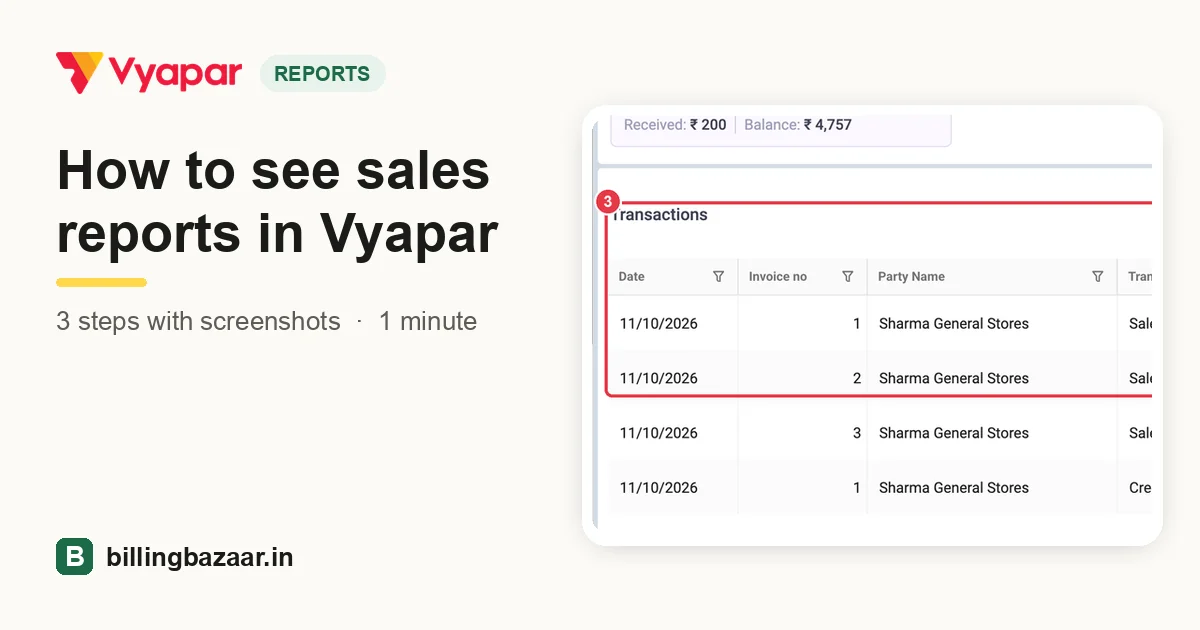 How to see sales reports in Vyapar3 steps · 1 minute
-
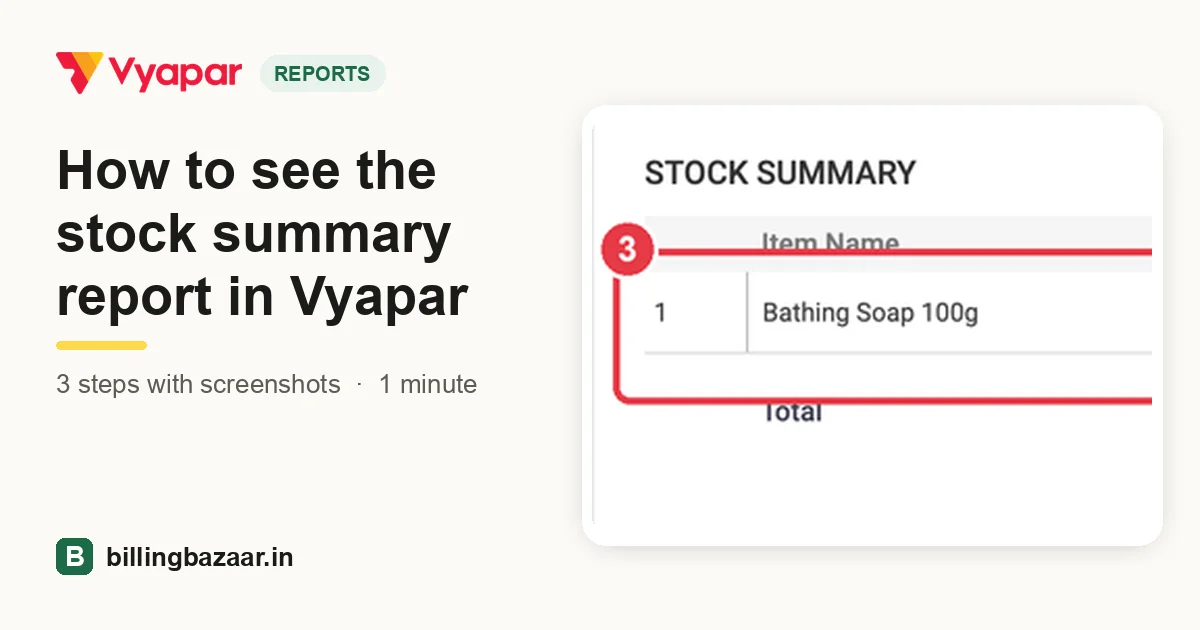 How to see the stock summary report in Vyapar3 steps · 1 minute
Data and settings
-
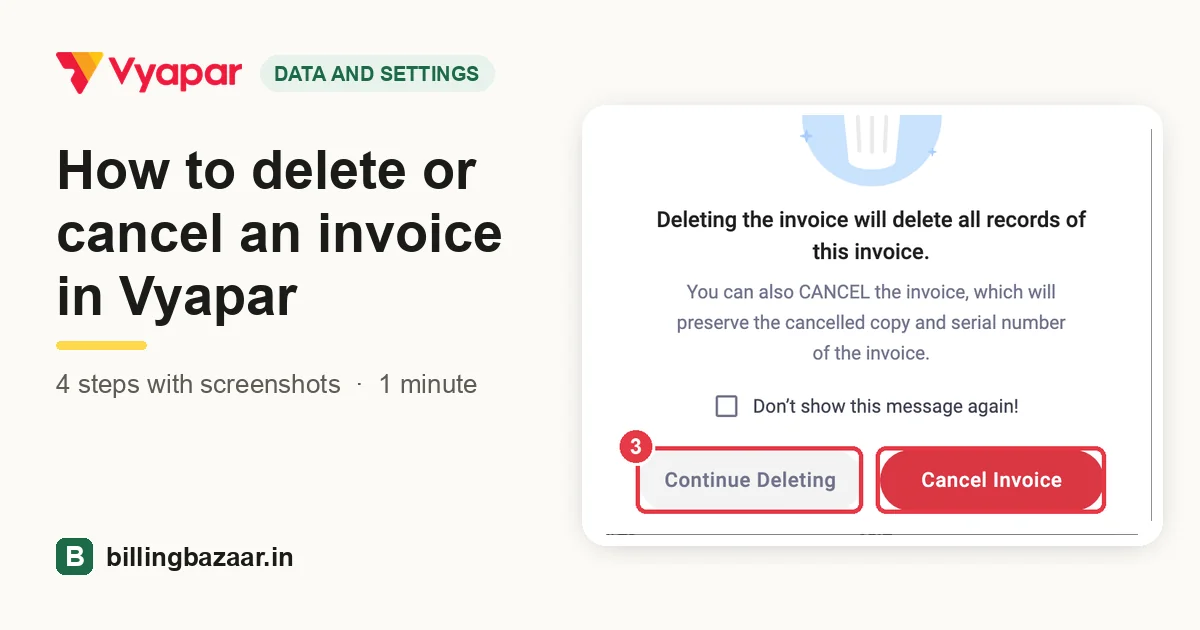 How to delete or cancel an invoice in Vyapar4 steps · 1 minute
-
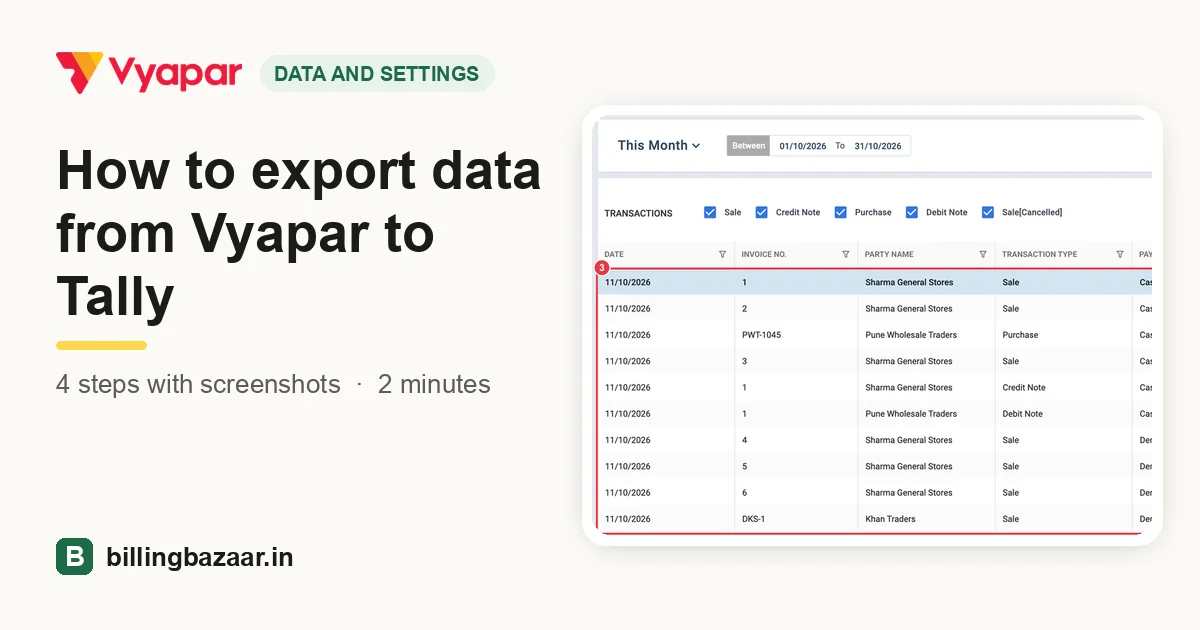 How to export data from Vyapar to Tally4 steps · 2 minutes
-
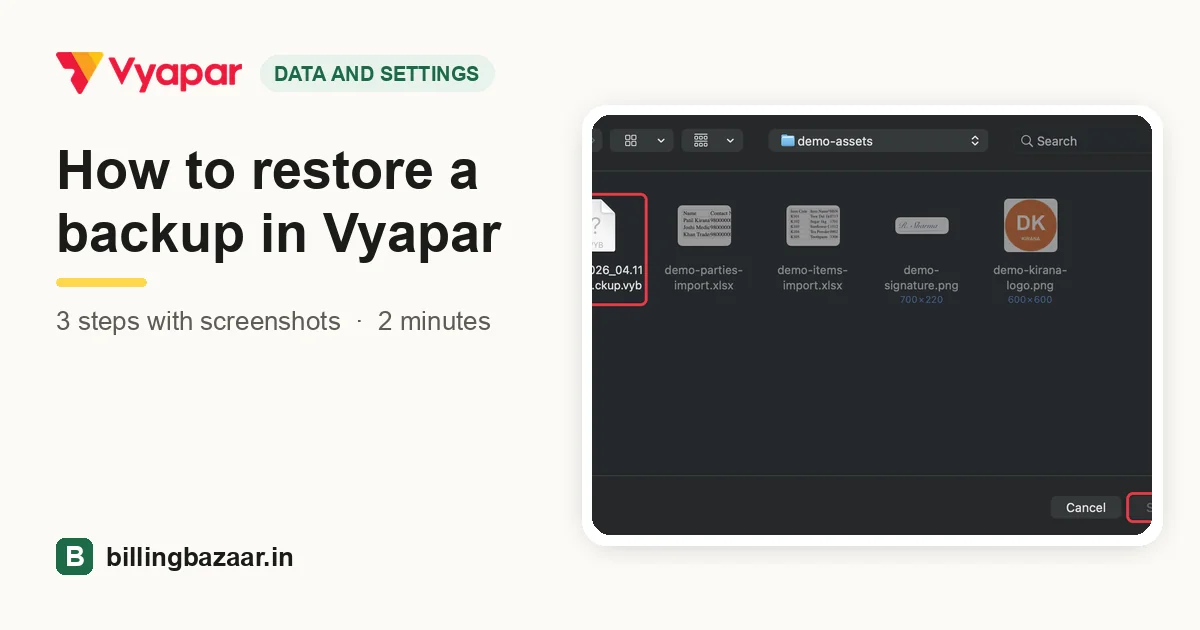 How to restore a backup in Vyapar3 steps · 2 minutes
-
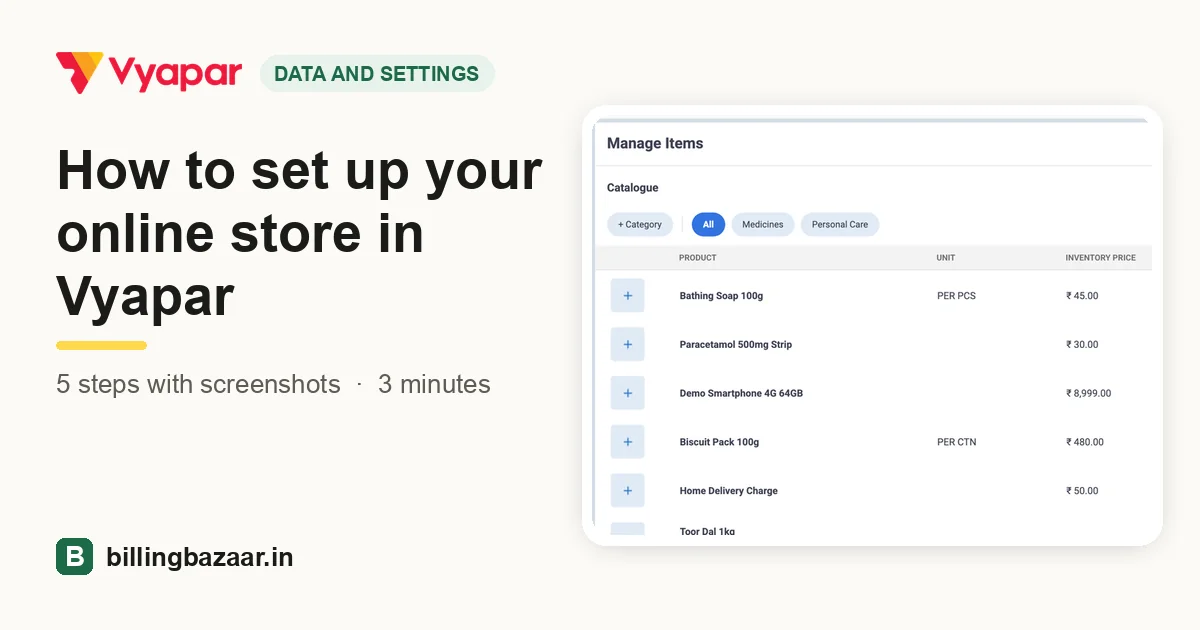 How to set up your online store in Vyapar5 steps · 3 minutes
-
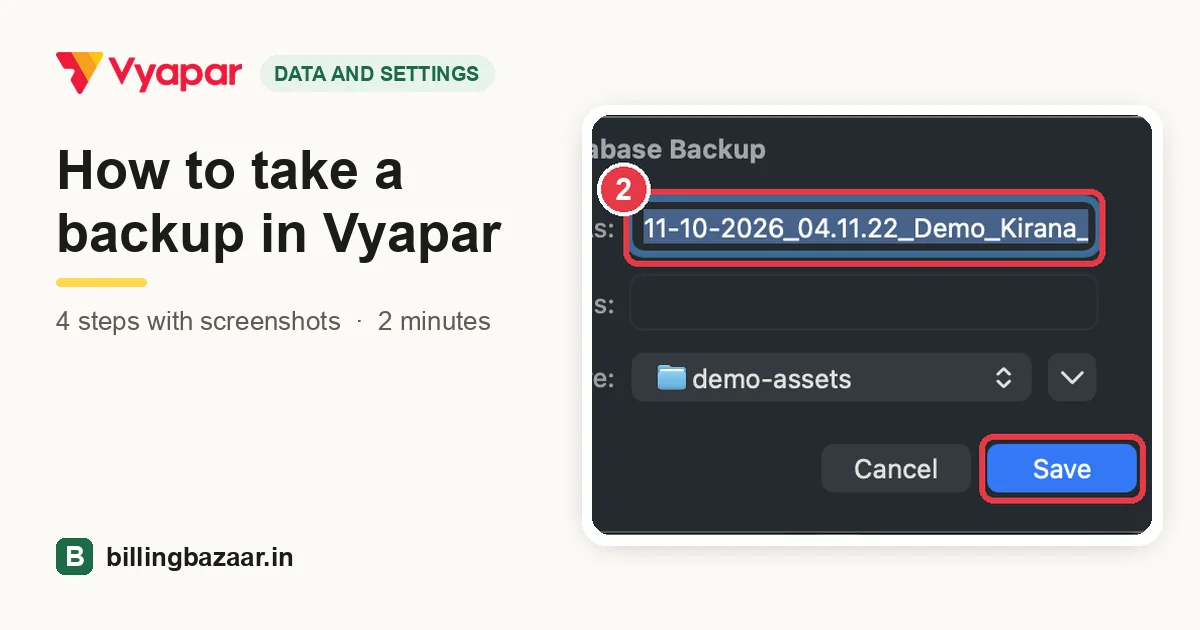 How to take a backup in Vyapar4 steps · 2 minutes
-
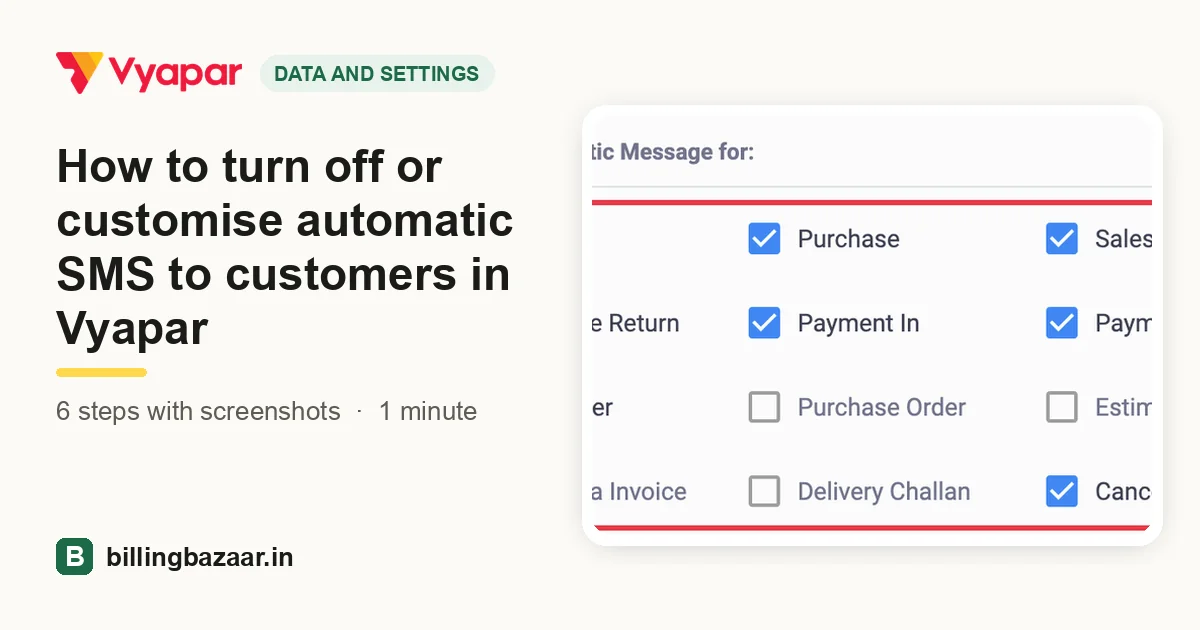 How to turn off or customise automatic SMS to customers in Vyapar6 steps · 1 minute
-
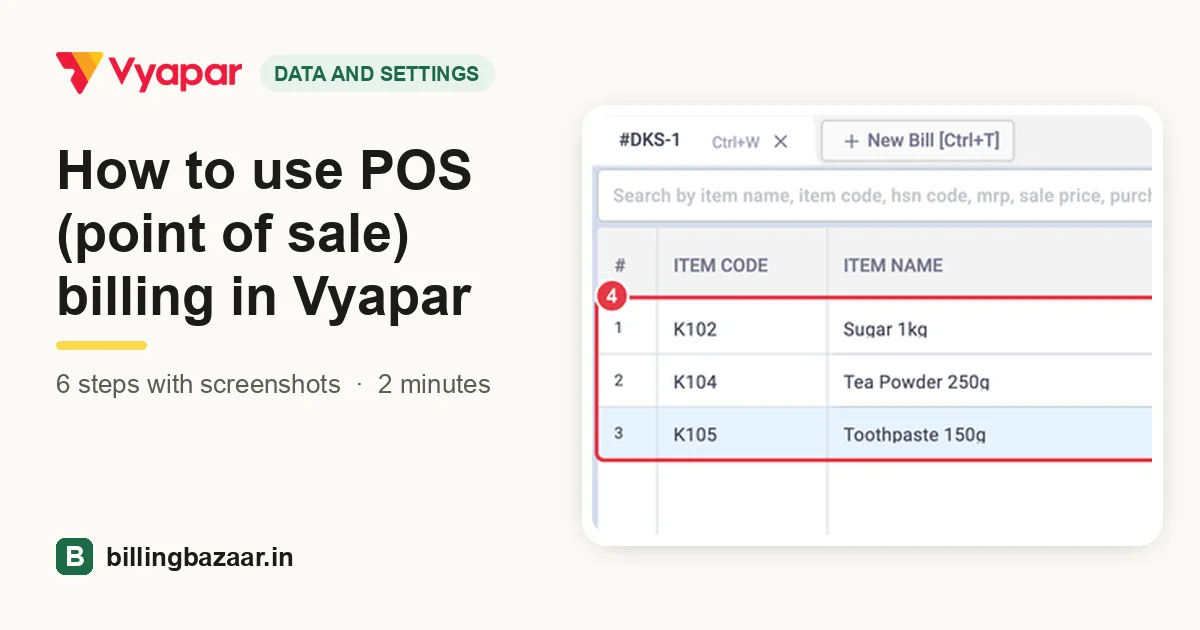 How to use POS (point of sale) billing in Vyapar6 steps · 2 minutes
Rather have it set up for you?
Free online demo and installation, in Hindi and English.